Hardware and Software Setup 15
D. TUTORIAL: PUBLISHING DISCS ON A PC
This section explains how to create a basic data disc with your
Publisher. More detailed information on the applications that
are used to operate your Publisher is available in Section 3.
Information on publishing discs on a Mac can be found in
Section 4.
A. Launch PrimoDVD 2.1
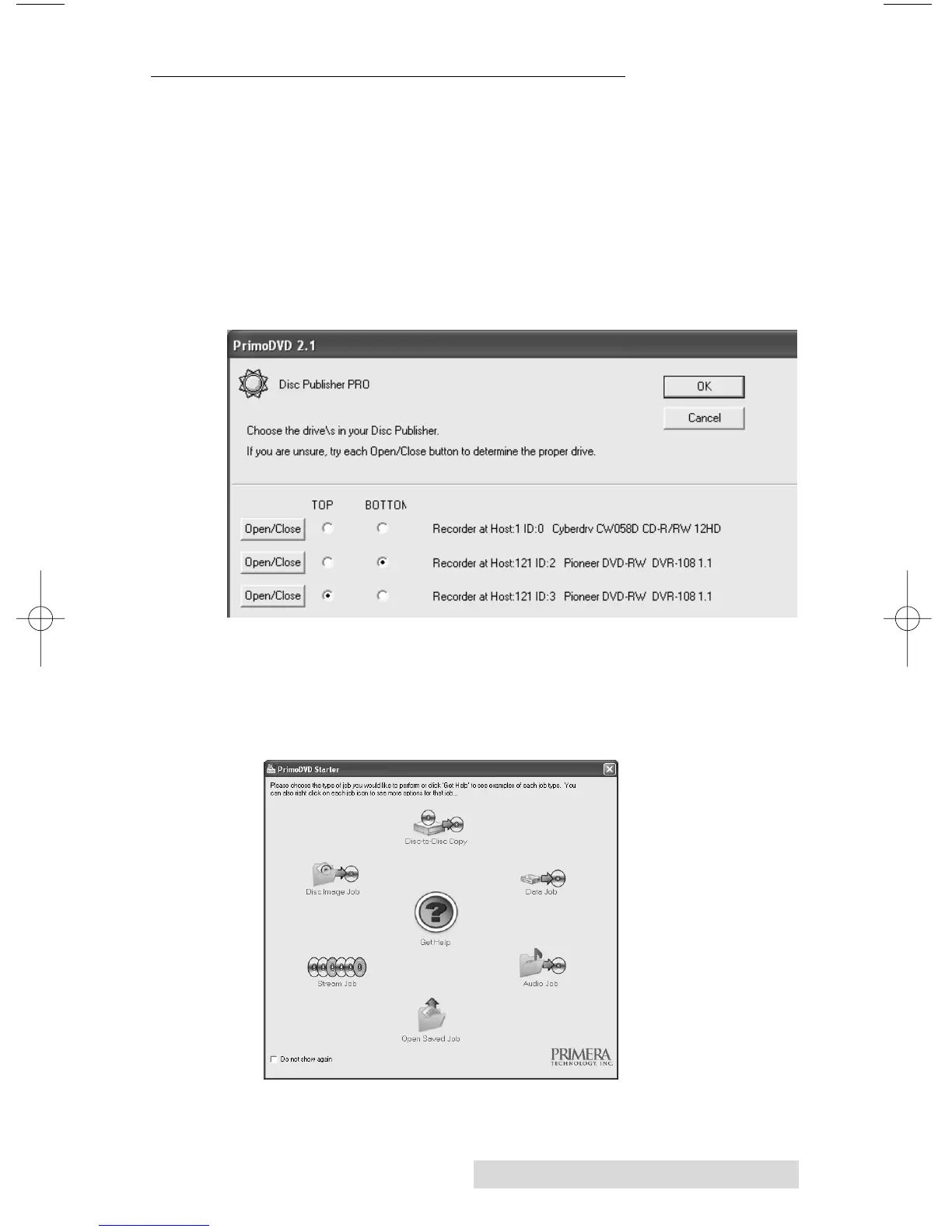
Primo DVD 2.1 can be launched from your Start menu. The
following screen will appear the first time you launch the program.
Clicking the Open/Close button will help you identify the
drive installed in your Publisher. Select the appropriate drives
from the list and click OK.
B. Once PrimoDVD is opened, choose the job type from the
Primo Starter screen.
(For information on each job type and its specific use click
Get Help.)














 To Next Page