Creating Discs on a Mac 45
4. Before you print or save your image in another format,
either hide the template layer or delete the template layer.
The circular shape and center cut out should not be
printed. Use it only as a guide to layout your image.
D. PRINTING ONLY
To print simply follow the normal procedure for printing from
your graphics application. Select the Disc Publisher Pro as
your printer. Select the number of copies. The Publisher will
pick and print as many copies as you select.
E. PRINTER OPTIONS
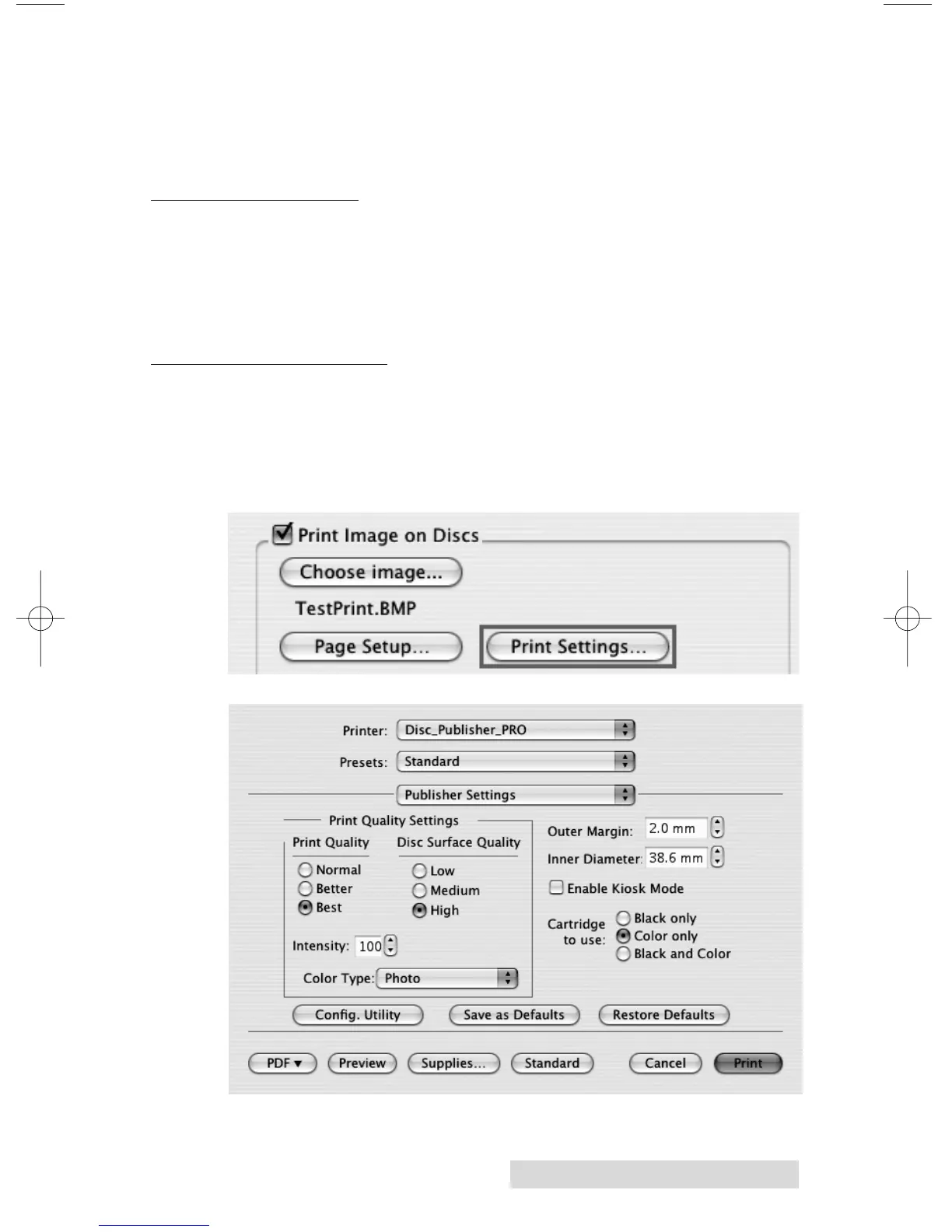
The following section will examine the printer driver settings
that affect the print quality of your discs. To access print
settings from Discribe click the Print Settings button on the
Robot Write screen.














 To Next Page