12 Hardware and Software Setup
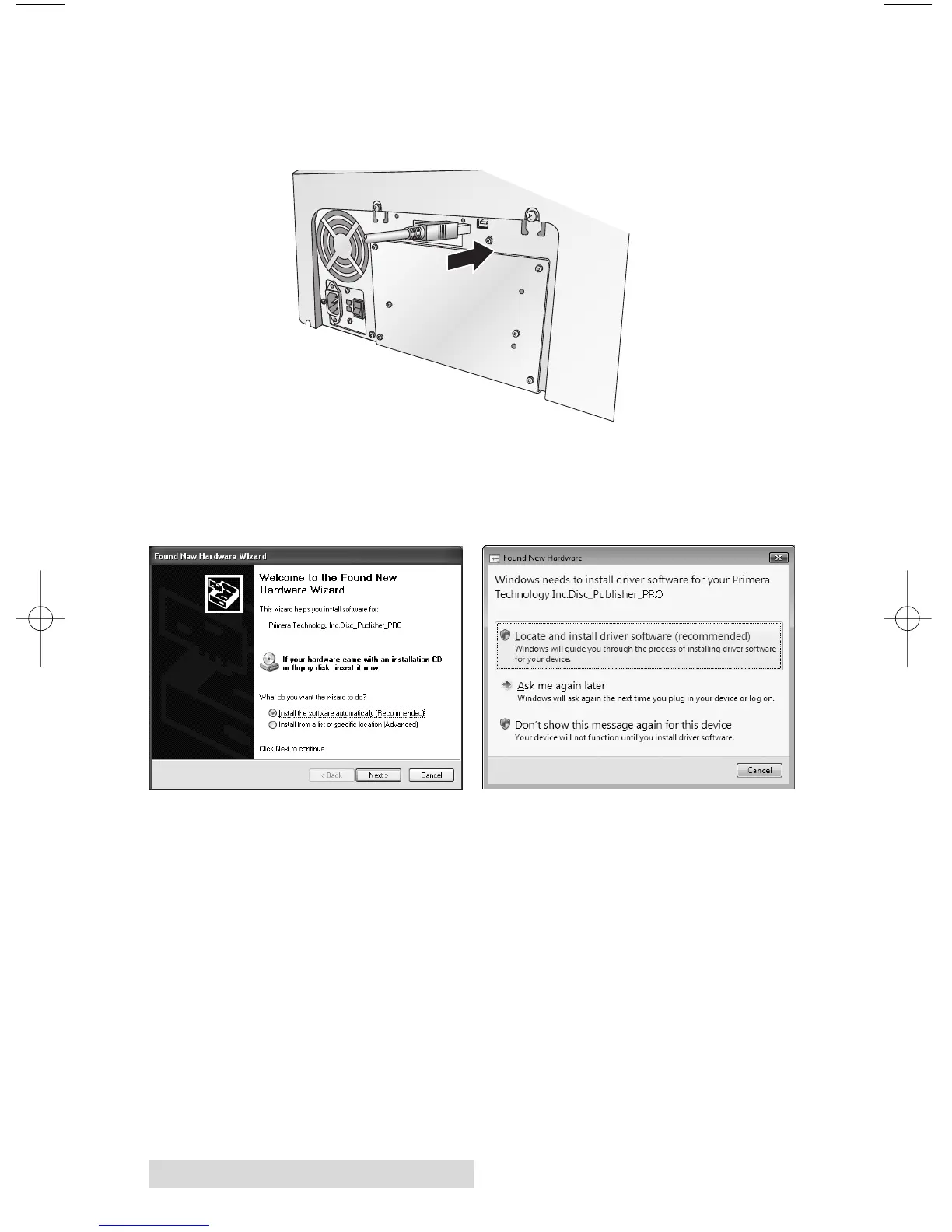
Step 3: Connecting the USB 2.0 Cable
Connect the Publisher to your PC or Mac with your beige
USB 2.0 Cable.
If you are using a PC:
If you are using a PC, after a few moments, Windows will tell
you it has found new hardware and is looking for software to
install it.
If you are using Windows XP, select "Install the software
automatically" and click Next or if you are using Windows
Vista click "Locate and install driver software"
Windows XP Windows Vista














 To Next Page