16 Hardware and Software Setup
C. Once you choose a job type, on the right side of the screen
you will see a SureThing button. Click on it.
This will launch the SureThing software.
The SureThing Disc Labeler software included with your
Publisher is a great tool for creating professional looking discs.
You can use SureThing's Smart Designs to quickly label a disc,
or easily import your own design in many popular file formats.
The Help file included with the SureThing software will pro-
vide complete instructions on all the features in this package.
(Go to the Help Menu - Contents) The following is a tutorial on
creating a basic disc design:
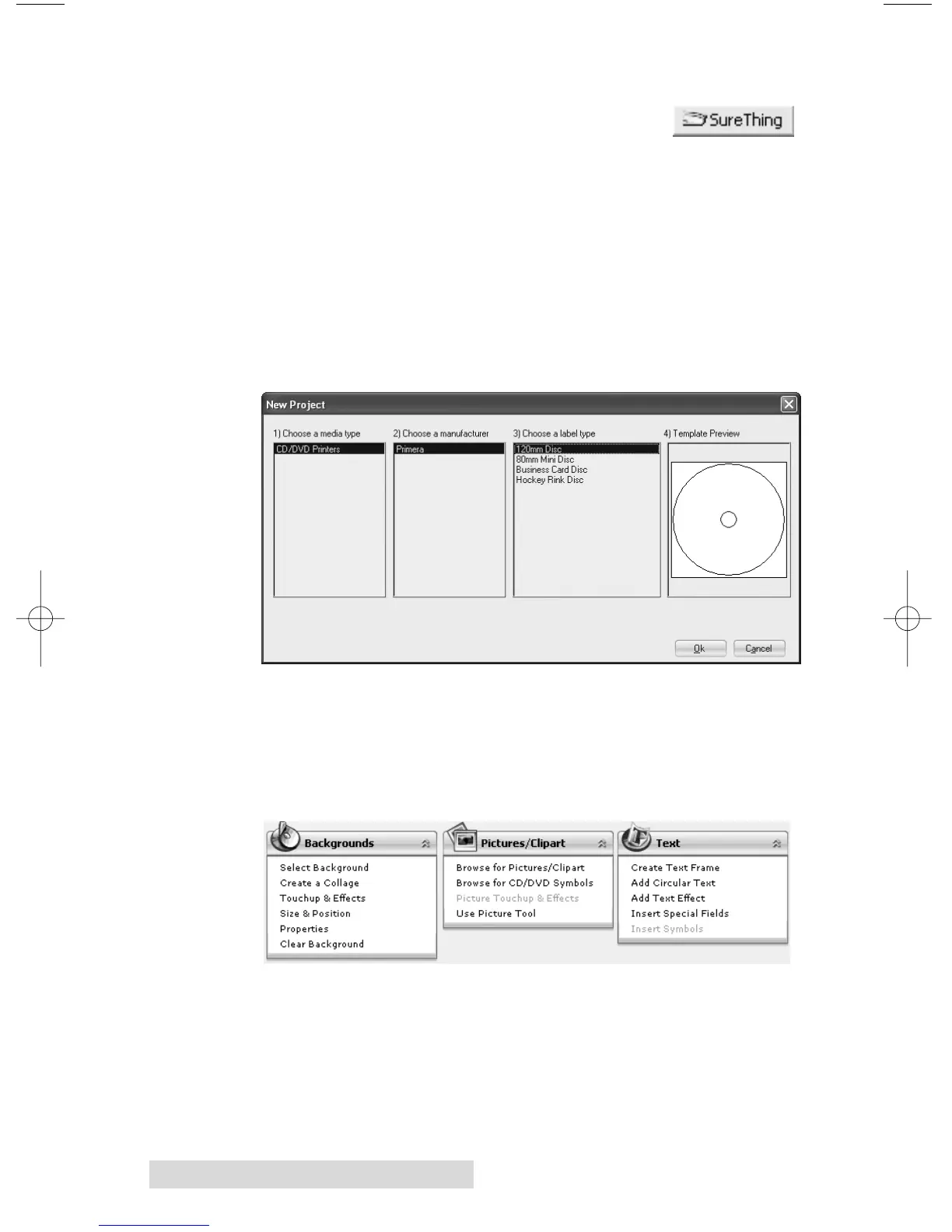
C1. Click File - New...
C2. Select 120mm Disc and click OK.
C3. Using the buttons on the left navigation window, you may
add your own background, choose a pre-made back-
ground, choose from several text effects or insert a picture.
Click the down arrow on the button to view all options.














 To Next Page