Printing from a PC 31
C. PRINTING FROM BARTENDER
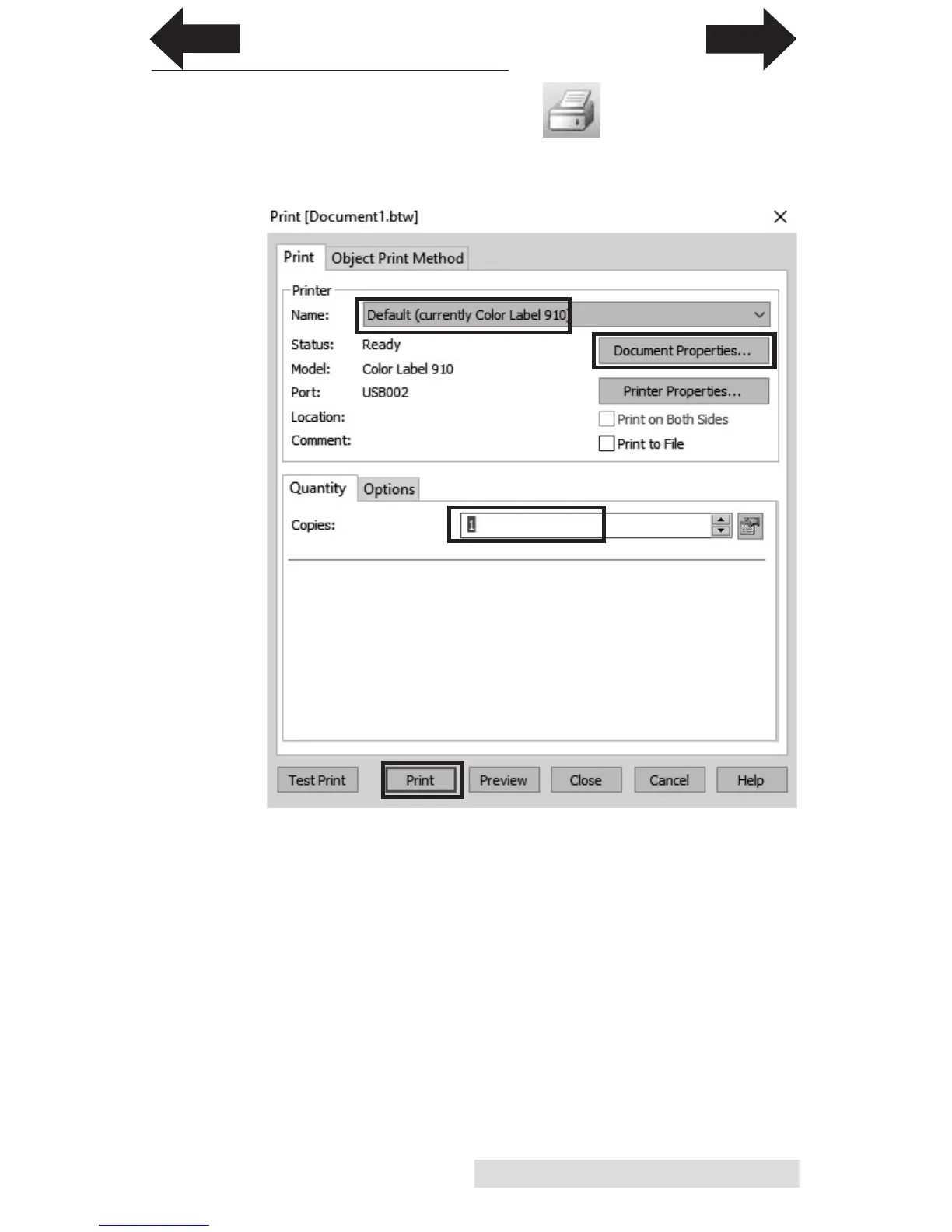
1. To print, click the Print button or go to the File
Menu and select "Print". The Print Dialog window will
appear.
2. Select the Color Label 910.
3. Set the number of copies.
4. Click "Print".
Tip! Click on "Document Properties" to adjust driver settings like Print
Quality and Color Matching.
INDEX
TOC



 To Next Page