74 Troubleshooting and Maintenance
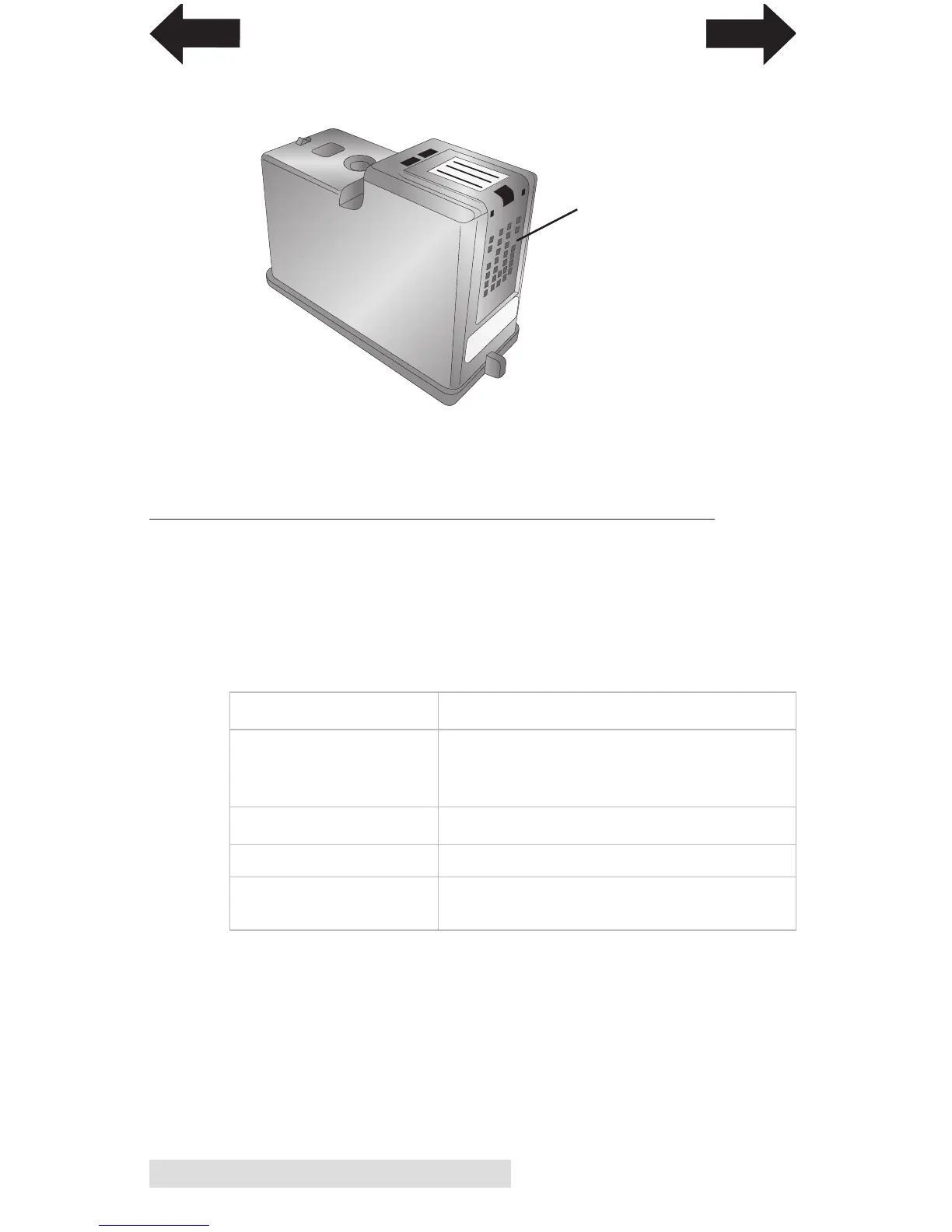
8. Dry cartridge.
9. Verify cartridge is now functioning properly by printing
your label.
E. INTERPRETING THE PRINTER’S INDICATOR LIGHTS
Most error messages will appear on your computer screen via
the PrintHub application. However, if the error prevents
communication with the computer the LED lights may be used
to help diagnose the problem.
LED Explanation
Intermittent Flashing Printer is doing maintenance.
Pause Appears during start up or after a
cartridge change.
Slow Flashing Power Missing Label Stock.
Solid Power Light Power is on.
Rotating Ink, Power Firmware update is in progress - do
and Pause LEDs not remove power or USB
Dry excess water
from cartridge. Ensure
cartridge contacts are
completely dry. Printer
damage may result if
cartridge contacts are
not completely dry.
INDEX
TOC



 To Next Page