64 Troubleshooting and Maintenance
Section 6: Troubleshooting and
Maintenance
A. SOLVING PRINT ALIGNMENT PROBLEMS
Image is Vertically Offset
The LX910 decides where to start printing by detecting the start
of die-cut label, detecting a black mark on the back or detecting
a thru-hole that corresponds to the start of the label.
The following items can cause the label sensor to improperly
detect the start of a label:
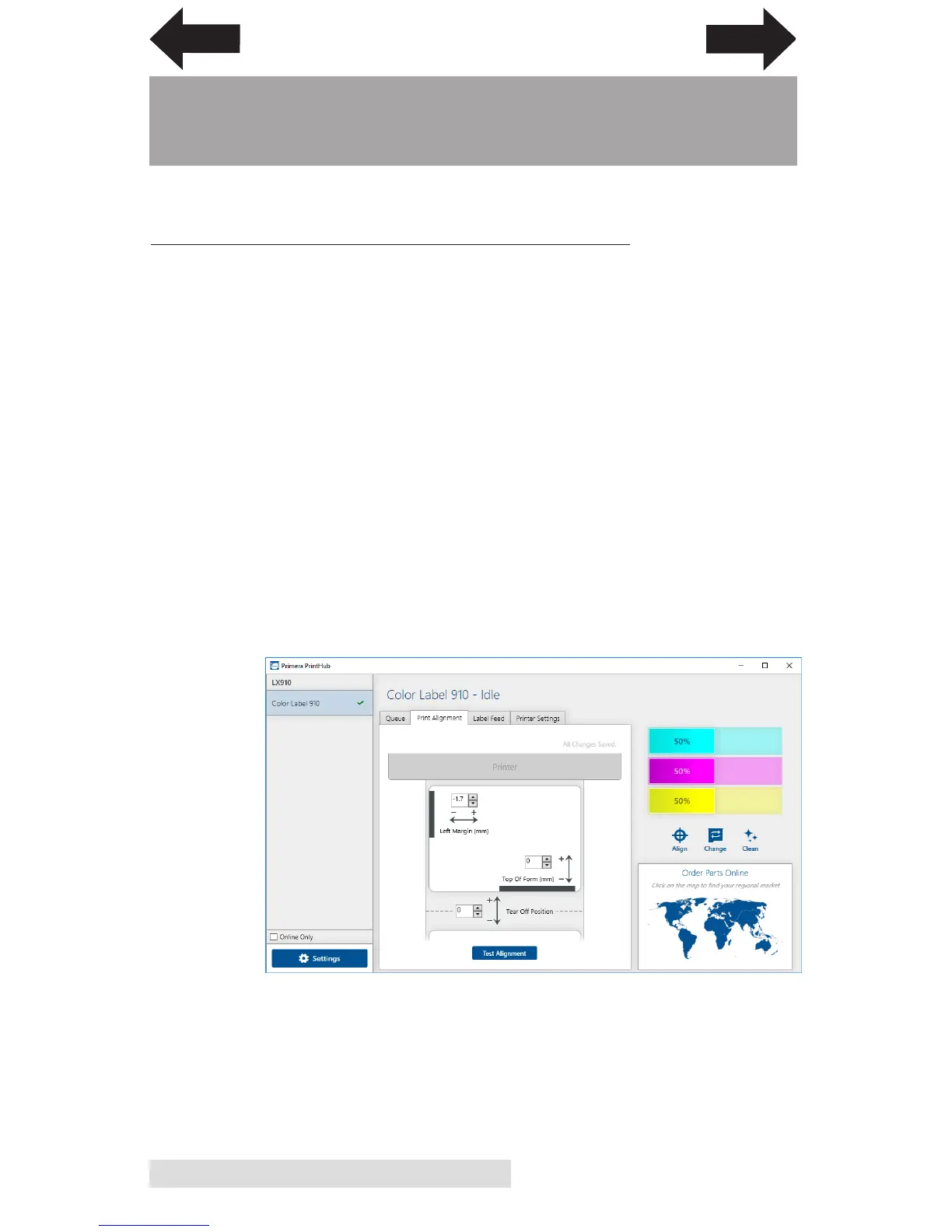
1. Top of Form (TOF). TOF stands for Top of Form and this
setting allows you to fine tune the alignment of your
printing on your label stock. This will be factory
calibrated. If fine tuning is needed, increase this setting to
move the image down on the label; decrease this setting to
move the image up on the label. The unit of measure is
0.1mm. This setting is found on the Alignment Tab of the
PrintHub.
INDEX
TOC



 To Next Page