66 Troubleshooting and Maintenance
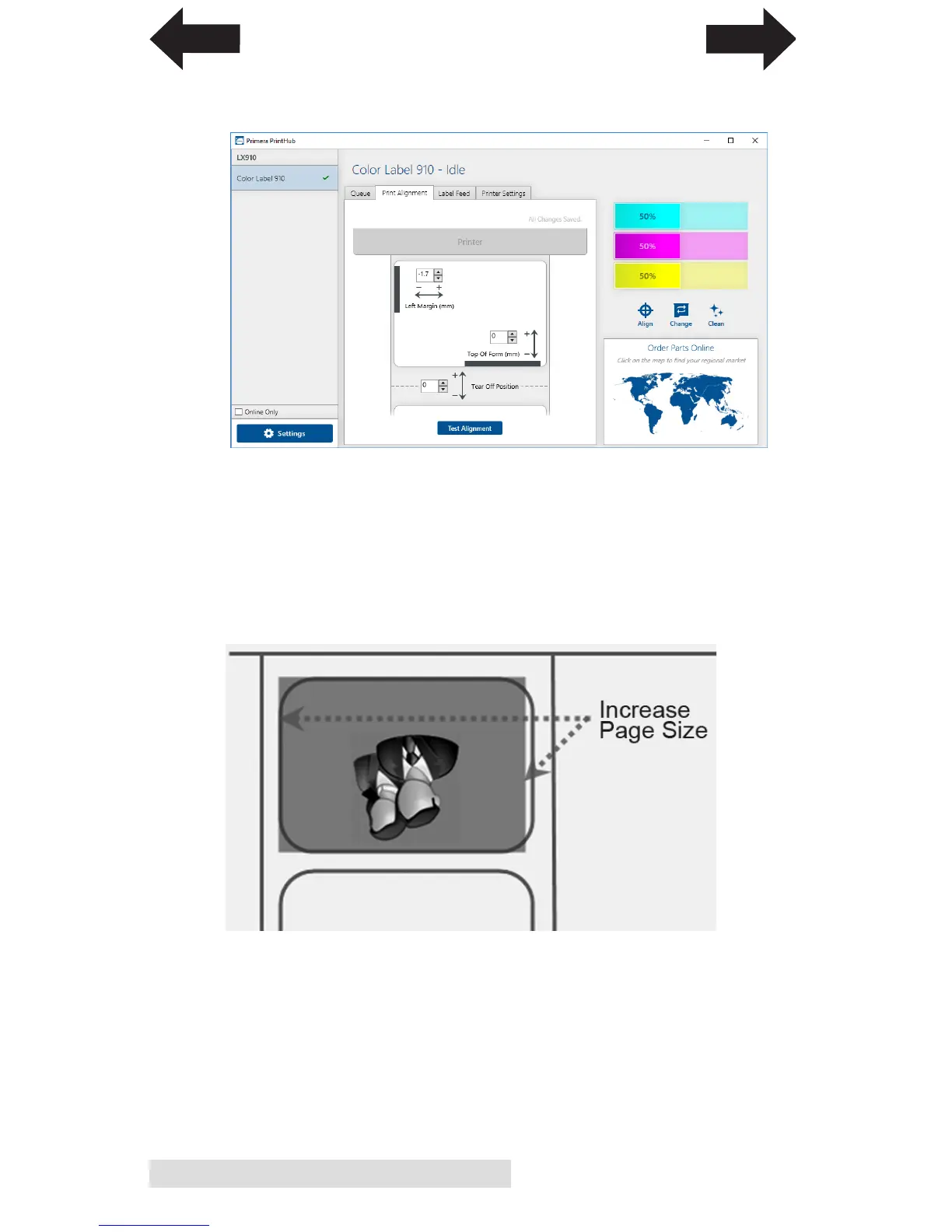
Left Margin Offset. This adjustment is found on the Alignment
tab of the PrintHub. See Section 4D.
Page Size. Often the page size is not large enough for the
label. If this is the case you may see white space on the right
(printers left) side of the the label and no image over-lap on
the opposite side. This indicates that the page size needs to
be increased. Increase the page size through the printer
preferences enough to cover the label.
INDEX
TOC



 To Next Page