72 Troubleshooting and Maintenance
3. Determine if printing is now acceptable by printing your
image.
If the sample has missing colors or voids within a color
strip, remove the cartridge from the printer and proceed to
step 4.
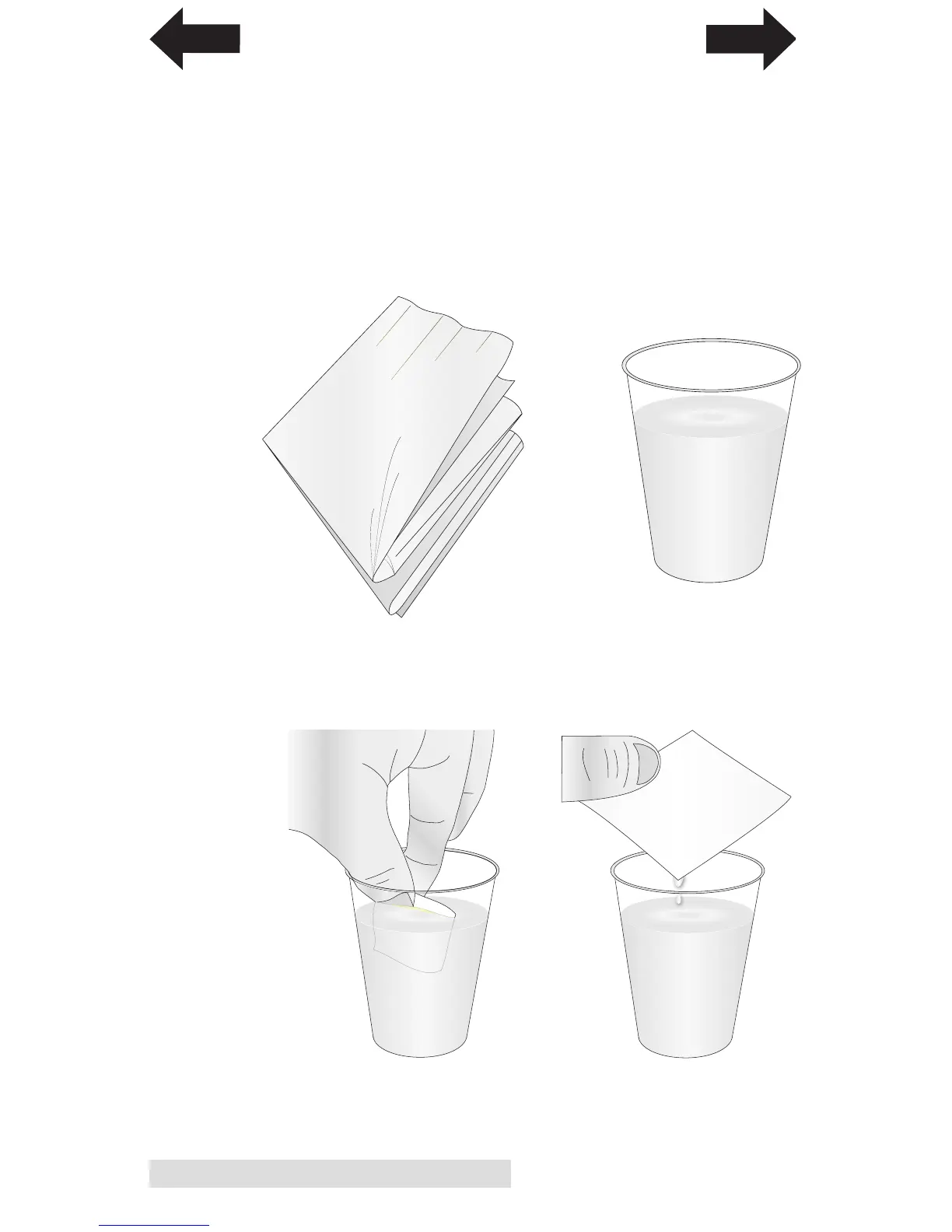
4. Prepare items needed for procedure.
5. Soak the paper towels in water for 5 seconds.
Note: Do not squeeze water from paper towels after removing
from water.
A Glass of Water
Two Paper Towels
folded four times each
INDEX
TOC



 To Next Page