28 PROGRAMMING MANUAL 100962 G PUBLICATION DATE 24 JUN 2008.DOC
Extra Info :
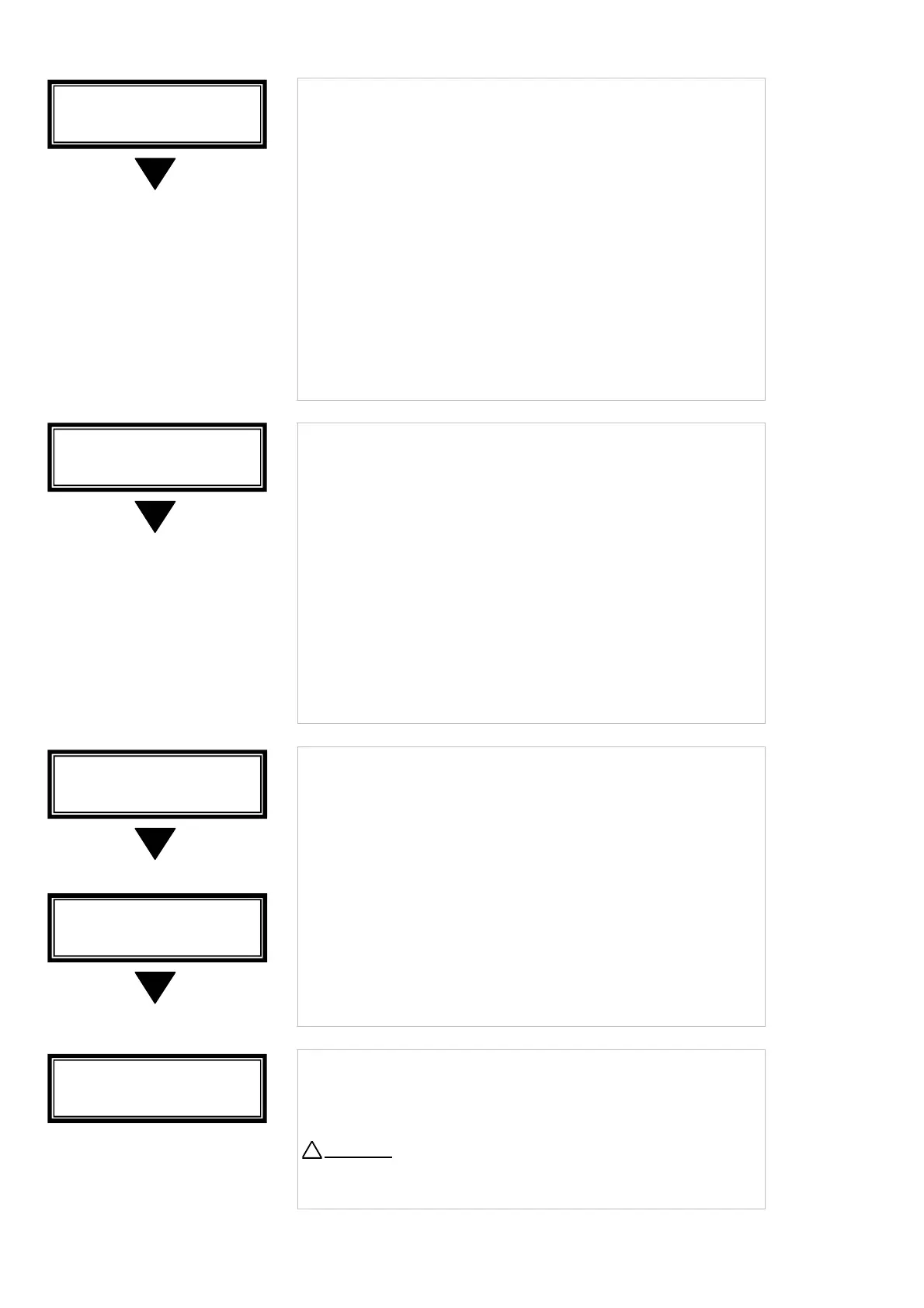
• Only for Hygienic washing machine applications.
• If Strict Temperature Control is selected, the machine will
wash with the programmed temperature as minimum
hysteresis value.
This will result in a water temperature as close as possible
to the programmed temperature value.
• No is the default value.
• Yes : Strict Temperature Control enabled.
No : Strict Temperature Control disabled.
• Confirm by pressing the ENTER button.
Extra Info :
• Only for Hygienic washing machine applications.
• Temperature Sensor Calibration Offset is a tool to adjust the
measured value of the Temperature sensor.
• If there is a difference between the temperature measured
in the bath and a reference temperature sensor, the
difference between both sensors can be compensated.
• 5 is the default value.
• Limits are between 0 and 10.
• Confirm by pressing the ENTER button.
• Only for MB90 – 140 – 180.
• The Full Control wash computer positions the drum automatically.
• Depending the preferences of the operator it is possible to
adjust the angle that the drum makes with the outer door
opening to make loading or unloading more easily.
• You can select a value for the Dirty and for the Hygienic side
of the machine.
• 3 is the default value.
• The value can be set between 0 - 6.
• Press the ENTER button to confirm
↵
• You can leave the Initialisation Menu by pressing the ENTER
button.
Attention
!
With the ARROW UP button you can go back to a previous
menu item.
!
I:Door Position
Dirt
Tune : 3
I:Door Position
H
. Tune : 3
I:Strict Temp.
Control : No
I:Temp. Calib.
Offset : 5
I:Initialisation
Menu Exit



 To Next Page