72 PROGRAMMING MANUAL 100962 G PUBLICATION DATE 24 JUN 2008.DOC
6. OPERATION MENU
6.1. STARTING UP
ATTENTION
!!!
BEFORE STARTING UP THE FIRST TIME, BE SURE THAT THE MACHINE IS WELL INSTALLED.
SEE INSTALLATION MANUAL.
MAKE SURE THAT THE CONFIGURATION AND INITIALISATION MENU HAVE THE RIGHT
SETTINGS. SEE CHAPTER 4.
ATTENTION
!!!
WASH CYCLES CAN ONLY BE STARTED WHEN THE KEY SWITCH IS IN RUN MODE.
6.2. SWITCHING ON THE POWER
) The display lights up when you switch on the power.
If the program is ready to be started, Select Process _ _ is displayed.
6.3. LOAD THE WASHING MACHINE
) Open the door and load the laundry into the drum. When the drum is loaded, close the door.
X-F120 machine :
You can open the door by pressing the door unlock button and by pressing the door handle at the
same time.
6.4. PUT SOAP INTO THE SOAPHOPPER
) Put the correct amount of soap into the soap hopper.
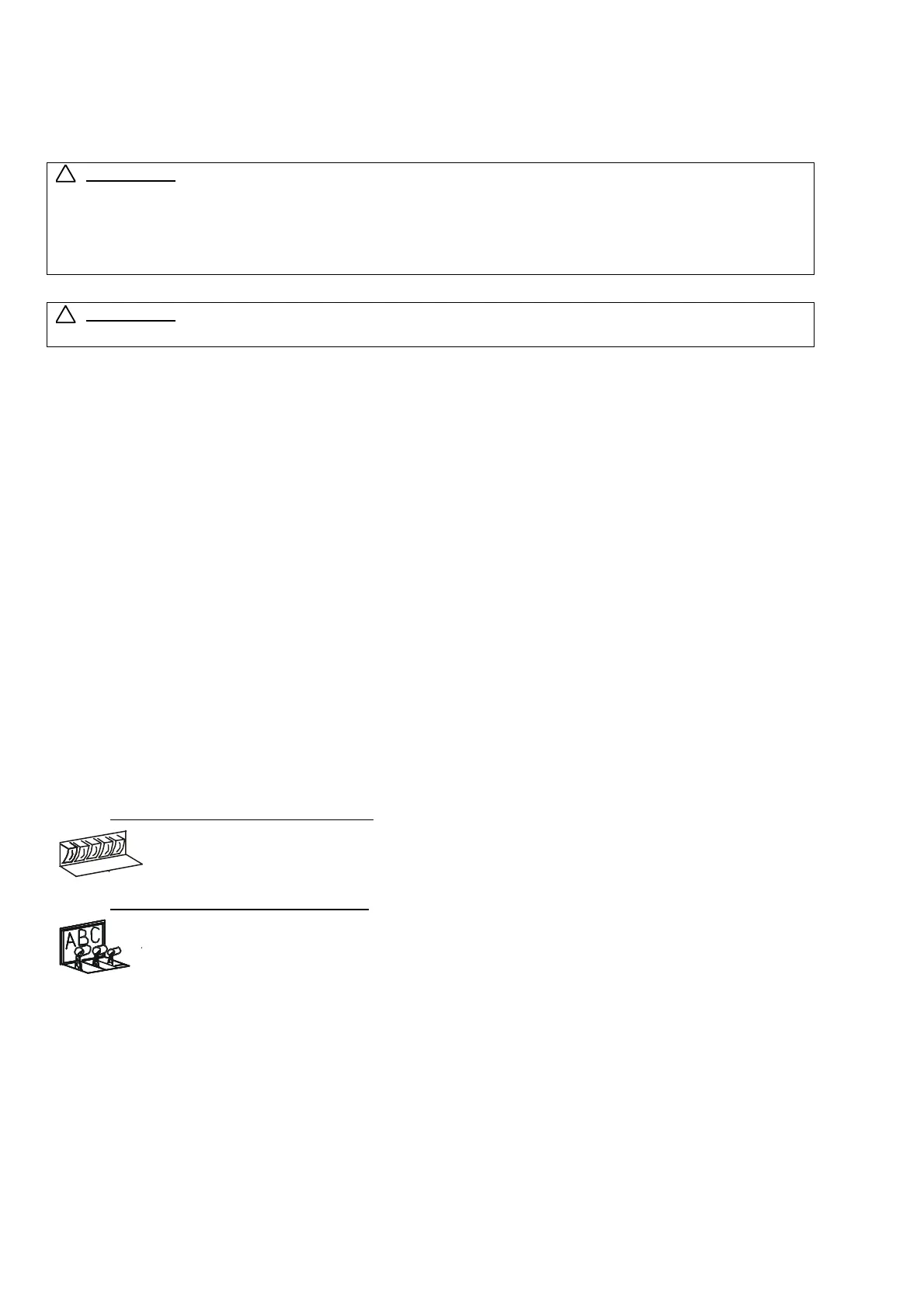
Front Soap Hopper washing machines
,
At the wash step, it depends on the programmed supplies in which part A, B, C, D or E of
the soap box you need to add the soap.
Top Soap Hopper washing machines:
At the wash step, it depends on the programmed inlets in which part A, B or C of the soap
box you need to add the soap.
£ See paragraph 3.3. for more information
6.5. STARTING A WASH PROGRAM
Up to 99 programs can be selected. The first 15 are the standard Wash programs you can find
in this manual at Paragraph 7.2.
) Insert the program number.
) Press the „START“ button.
If there is no program available for a specific program number, INVALID is displayed.
101008
101009
A
B
C
D
E
!
!



 To Next Page