100962 G PUBLICATION DATE 24 JUN 2008.DOC PROGRAMMING MANUAL 101
8.6. DIAGNOSTIC PROGRAM
The purpose of the diagnostic program is to test the wash machine functions one by one.
T HOW TO GET INTO THE DIAGNOSTIC MENU
The Diagnostic menu can only be accessed when the machine is in standby (the power is switched on, but
no program is started).
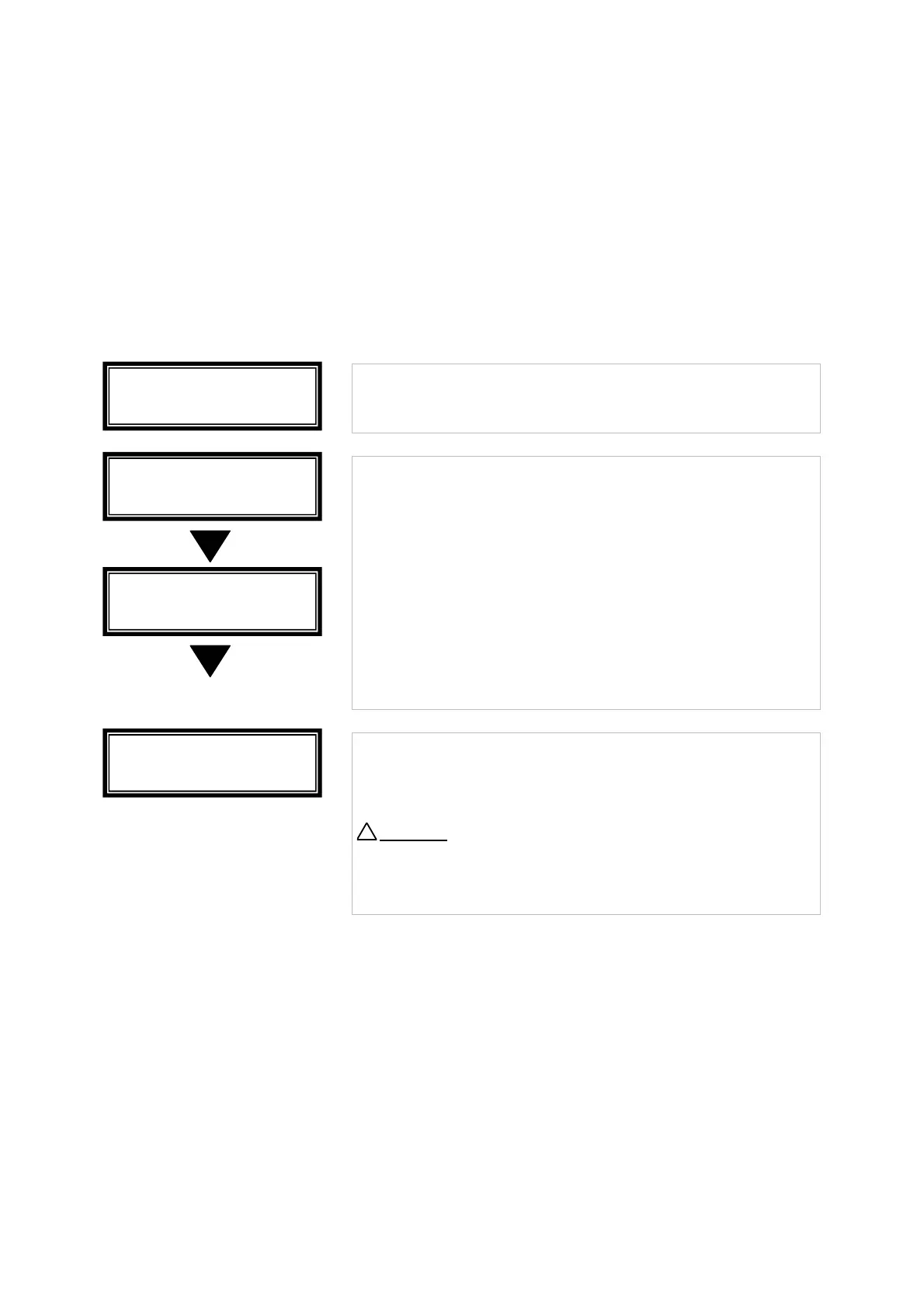
1. Select Process_ _ is displayed.
Turn the key switch to the program mode.
The Main menu is now available.
Press the ARROW DOWN button to select the Diagnostic menu.
• Press the ENTER button to make your selection.
• If you don‘t want to start a diagnostic program,
press the ARROW DOWN button.
• If you want to start the diagnostic program,
press the ENTER button.
• Press START if you want to start the diagnostic program.
• Press STOP if you Do NOT want to start the diagnostic
program.
↵
• Press the ENTER button if you want to leave the Diagnostic
Menu.
Attention
!
With the ARROW UP button you can go back to a previous
menu item.
D:Diagnostic
Menu Exit
D:Diagnostic
Program : No
Pr : Test
Press Start
Main Menu
Diagnostic
!



 To Next Page