45
5. Press the FEED key with the printhead closed, as needed, to supply more
label stock or liner.
6. If a label is on the end of the label liner, remove it.
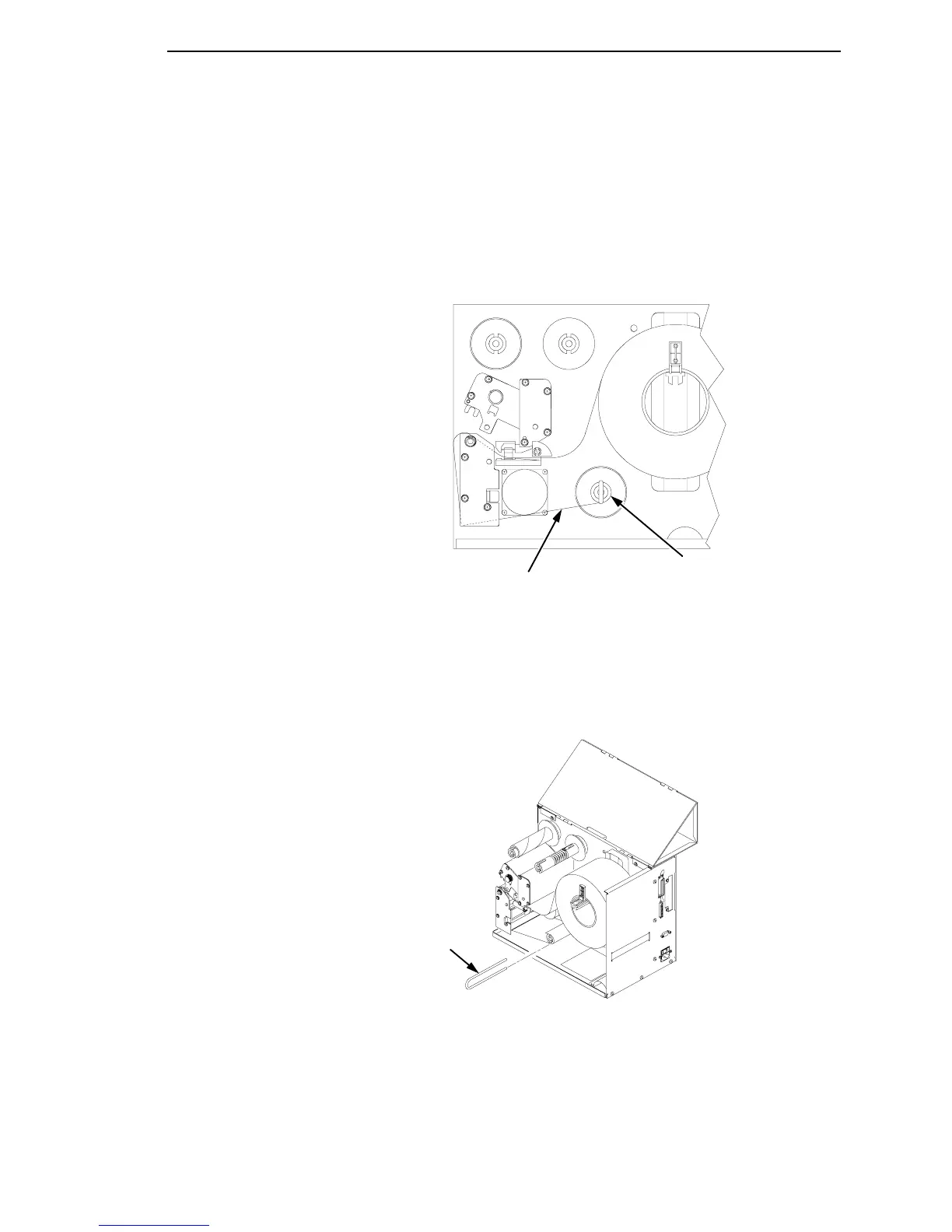
7. Thread the liner around the label rewinder spindle counter-clockwise, as
shown. Slide the label rewind clip over the label liner end and onto the
label rewinder spindle.
Legend:
1) Label Rewinder Spindle
2) Label Liner
8. Fold the label liner over the clip to the back of the printer. This helps lock
in the liner.
Legend:
1) Label Rewind Clip
1
2
1



 To Next Page