14
H
OW TO USE THE MANUAL MODE
1
. Begin pedaling or press any button on the
console to turn on the console.
When you turn on the console, the display will
l
ight. The console will then be ready for use.
2. Select the manual mode.
Each time you turn on the console, the manual
mode will be selected.
If you have selected a workout, press any of the
Workouts buttons or the Fitness Games button
(see the drawing on page 13) repeatedly until
zeroes appear in the display.
3. Change the resistance of the pedals as
desired.
As you pedal,
change the resis-
tance of the pedals
by pressing the
resistance
increase and
decrease buttons (see the drawing on page 13)
repeatedly. Note: After you press the buttons, it will
take a moment for the pedals to reach the
selected resistance level.
4
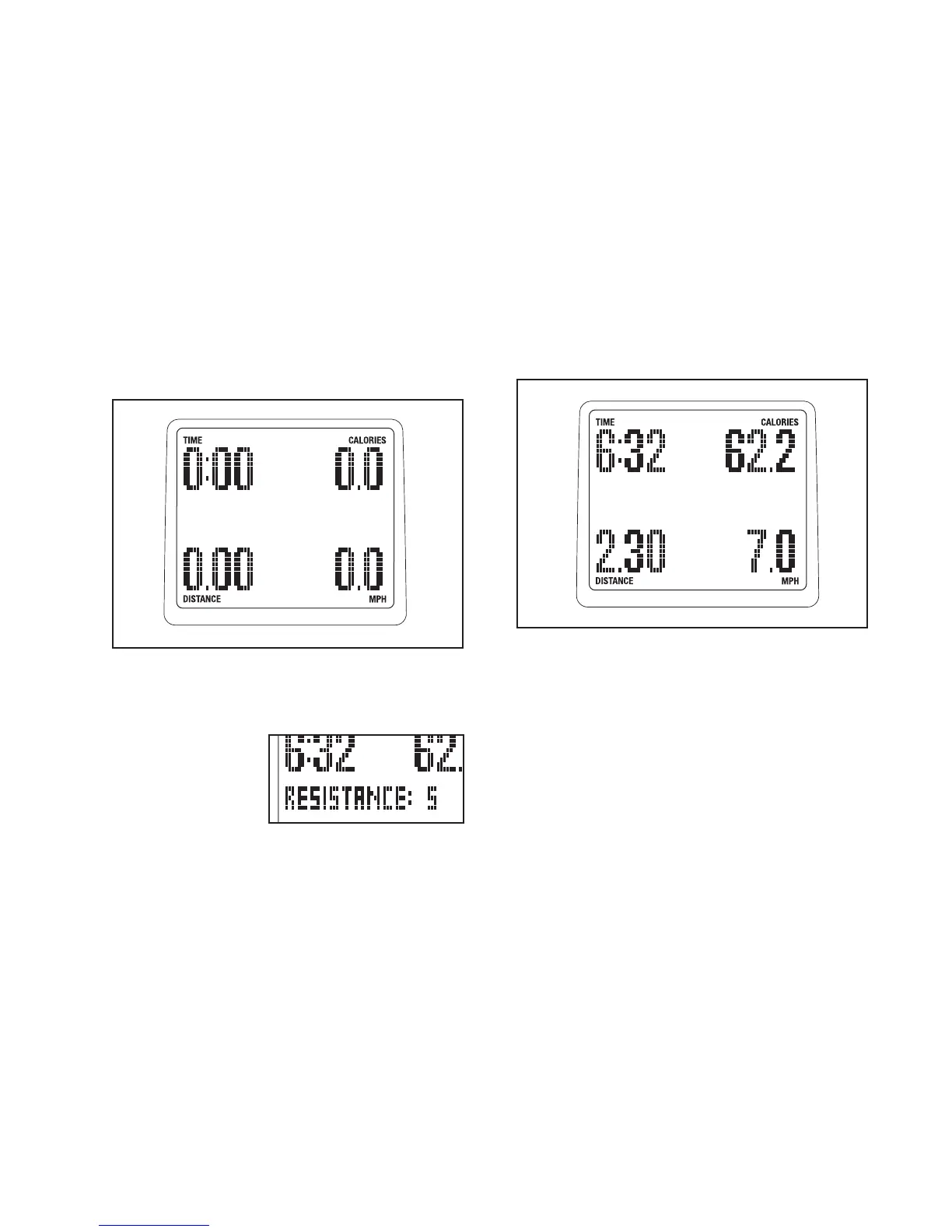
. Follow your progress with the display.
T
he console offers several display modes. The
display mode that you select will determine which
workout information is shown. Press the Display
button (see the drawing on page 13) repeatedly to
s
elect the desired display mode.
The display can show the following workout infor-
mation:
Time—When the manual mode is selected, this
display will show the elapsed time. When a work-
out is selected, the display will show the time
remaining in the workout instead of the elapsed
time.
Speed—This display will show your pedaling
speed, in miles per hour (MPH) or kilometers per
hour (KM/H).
Distance—This display will show the distance you
have pedaled, in miles or kilometers.
Calories—This display will show the approximate
number of calories you have burned.
Watts—This display will show your approximate
power output in watts.




 To Next Page