14
HOW TO ADJUST THE HORIZONTAL POSITION OF
THE SEAT
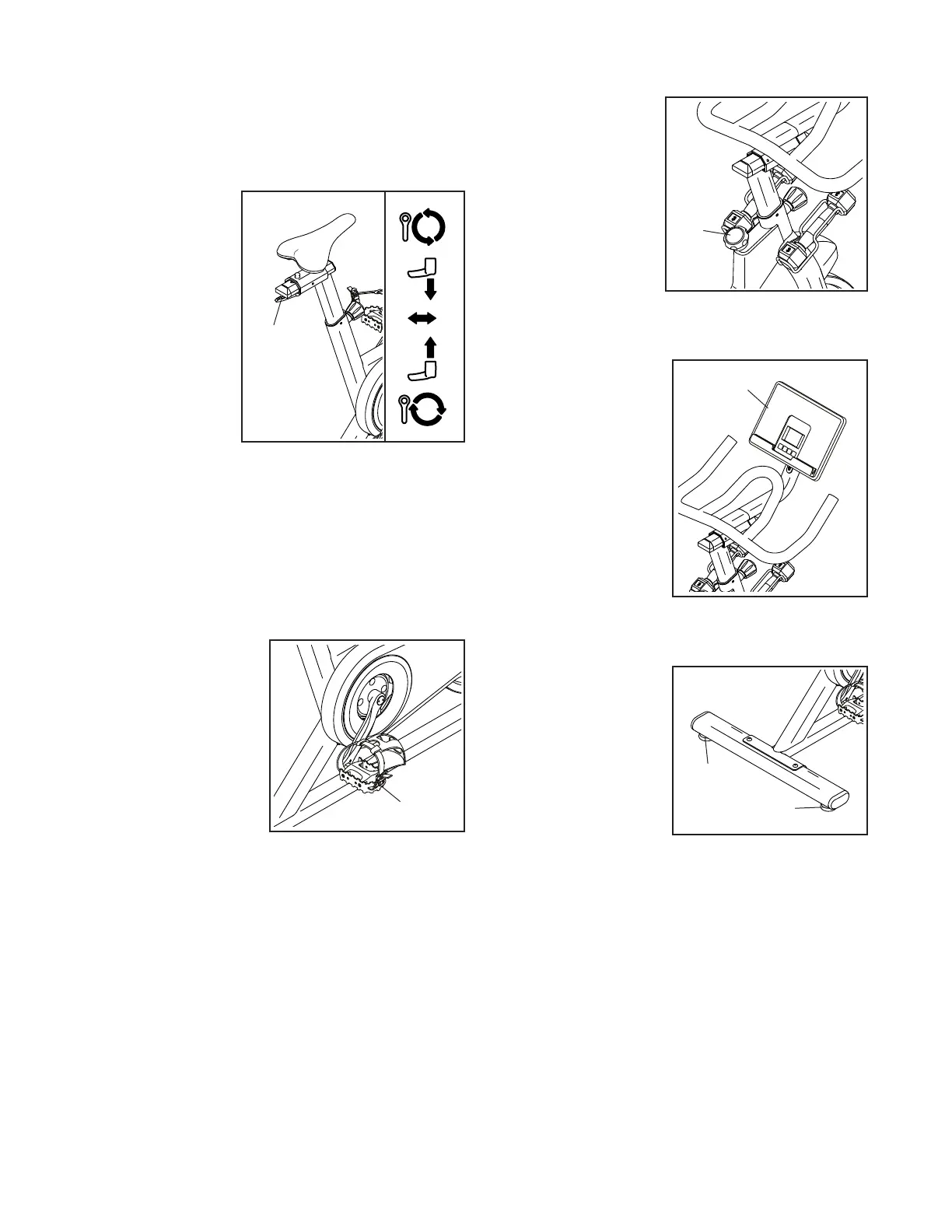
You can adjust the seat forward or backward to
increase your comfort or to adjust the distance to the
handlebar.
To adjust the
horizontal position
of the seat, first
loosen the indi-
cated adjustment
handle (D) a few
turns. Then, move
the seat forward
or backward,
and firmly tighten
the adjustment
handle.
Note: The adjustment handle (D) functions like a
ratchet. Turn the adjustment handle in the desired
direction, pull it downward, turn it in the opposite direc-
tion, push it upward, and then turn it in the desired
direction again. Repeat this process as many times as
necessary.
HOW TO USE THE PEDALS
To use the pedals (G),
insert your shoes into
the toe cages and pull
the ends of the toe
straps. To adjust the
toe straps, press and
hold the tabs on the
buckles, adjust the toe
straps to the desired
position, and then
release the tabs.
Note: You can attach your own pedals to the
exercise bike if desired.
HOW TO USE THE BRAKE KNOB
To change the resis-
tance of the pedals,
press the buttons on
the console (see step
3 on page 16). To
stop the flywheel,
push the brake
knob (H) downward.
The flywheel should
quickly come to a
complete stop.
HOW TO USE THE TABLET HOLDER
To use your tablet
while you exercise,
simply set the lower
edge of your tablet in
the tablet holder (I).
IMPORTANT: The
tablet holder is
designed for use
with most full-size
tablets. Do not place
any other device in
the tablet holder.
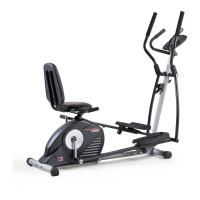
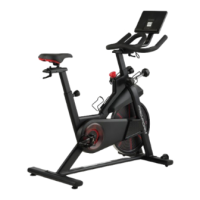
HOW TO LEVEL THE EXERCISE BIKE
If the exercise bike
rocks slightly on your
floor during use, turn
one or both of the lev-
eling feet (J) beneath
the rear stabilizer until
the rocking motion is
eliminated.
D
G
H
I
J
J



 To Next Page