15
Wally 17
EBPF63919
PFEX63919
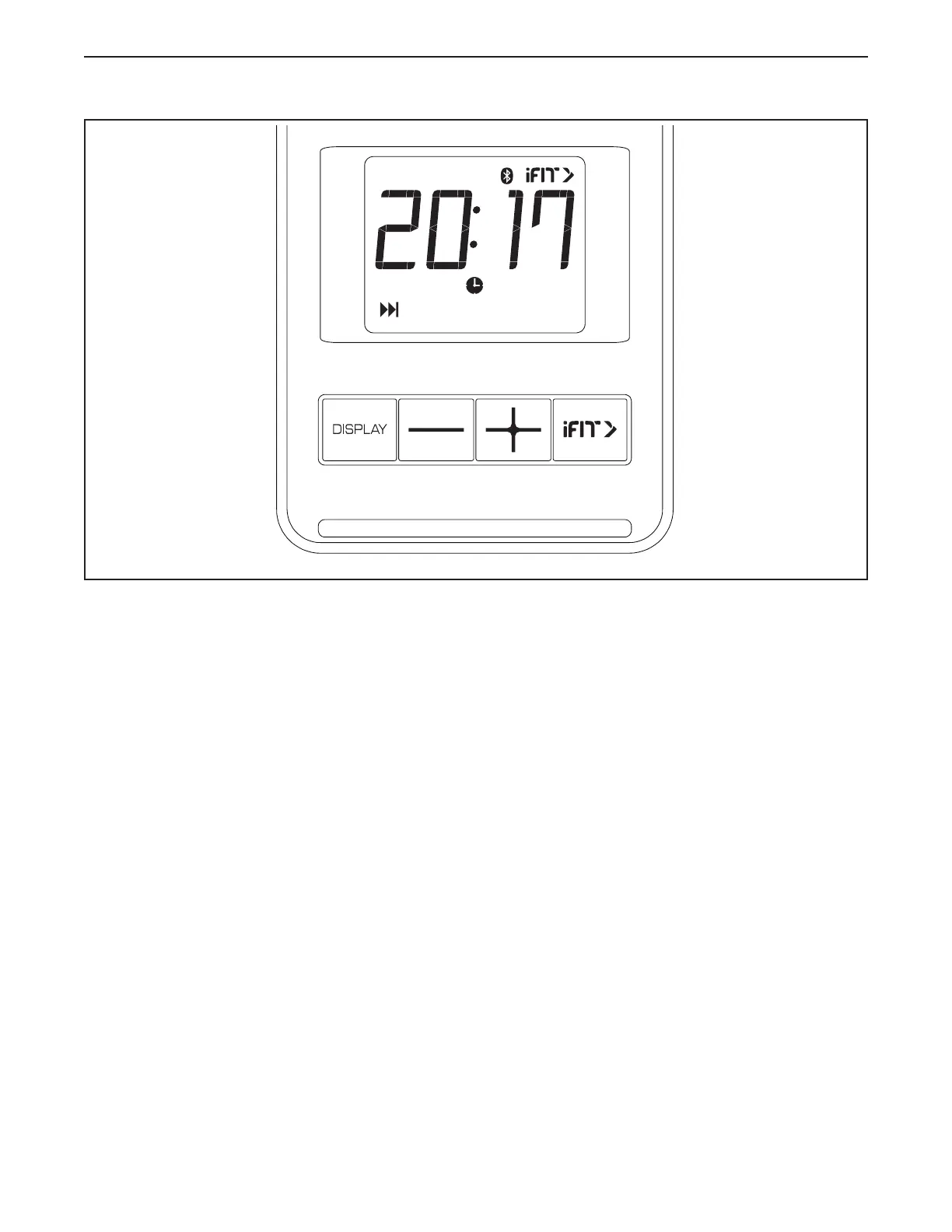
FEATURES OF THE CONSOLE
The easy-to-use console enables you to change the
resistance of the pedals with a touch of a button. While
you exercise, the console will display continuous exer-
cise feedback.
The console also features wireless technology that
enables the console to connect to iFIT
®
. With the iFIT
app on your smart device, you can choose from a
rotating selection of featured workouts and follow along
as iFIT trainers guide you through immersive exercise
sessions.
With an iFIT subscription, you can access a large and
varied library of thousands of on-demand destination
and studio workouts.
You can even monitor your heart rate when you use a
compatible heart rate monitor. To purchase a compat-
ible heart rate monitor, see page 19.
To use the manual mode, see page 16. To use an
iFIT workout, see page 17.
Note: If there is a sheet of plastic on the display,
remove the plastic.
HOW TO USE THE CONSOLE



 To Next Page