Sentry by Orion Orion
Semi-Automatic Stretch Wrapping Machine Revision 2.8
System Operation 27 August 2014
Page 3-8
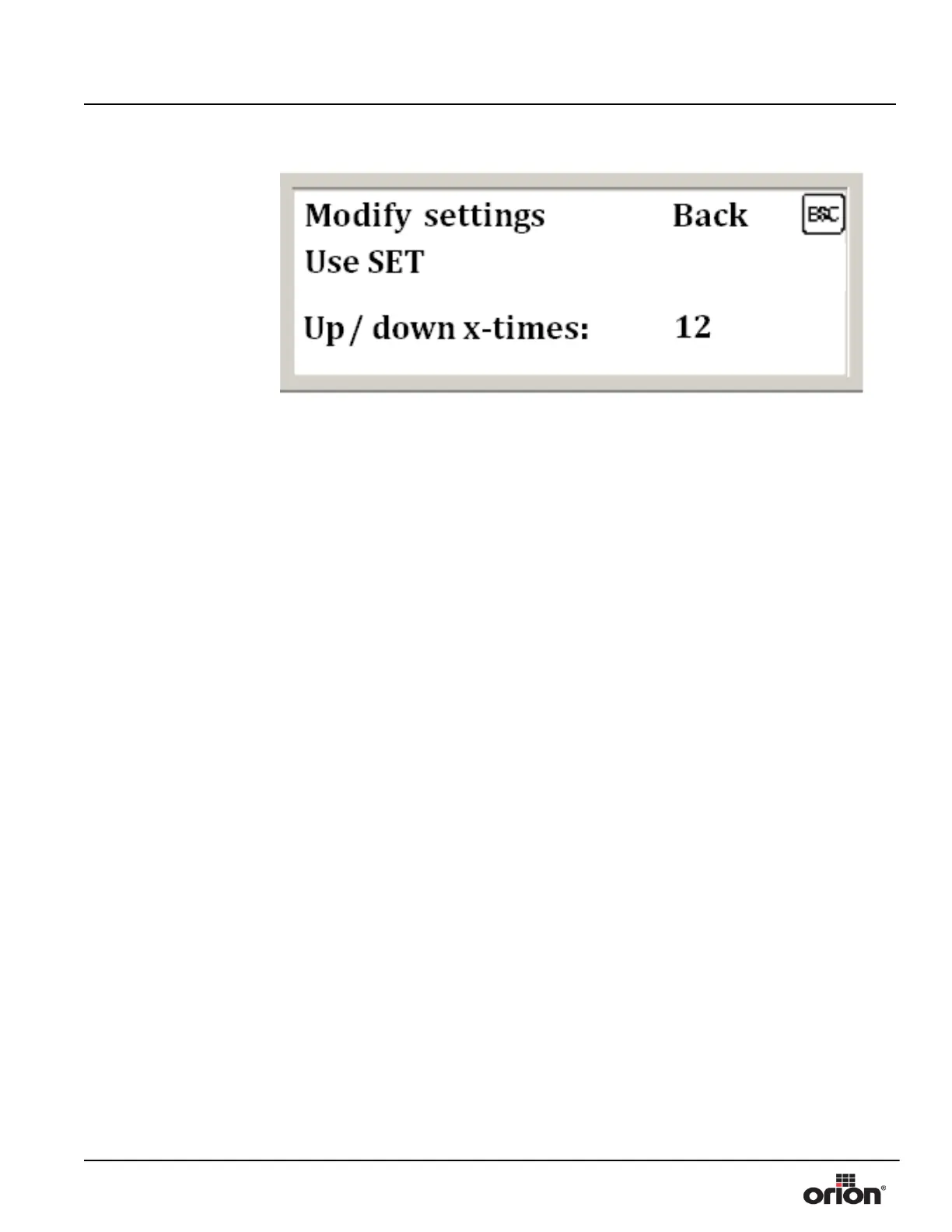
13. Press 3 to choose the number of times the carriage goes up and down during the cycle.
14. Press SET to highlight the Up and Down number. Use the up and down arrows or the
numeric keypad to enter the desired number of times the carriage travels up and down
during the automatic cycle. When done, press ENT.
15. Press ESC to go back to the Select Parameter screen.
16. Once you are happy with all the parameters, press ESC again to go the Menu screen.
Figure 3 - 11
The Up and Down
Number Modification
Screen


 To Next Page