24
english
PROGRAMMING THE CYCLECOMPUTER
SETTING ODOMETER
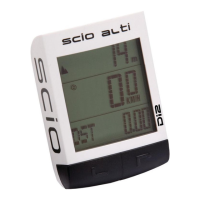
PRO Scio Cyclocomputers allow you to manually program your odometers for both Bike 1 &
2. This is useful for preserving distance totals in the event of battery failure or if you need to
reset the computer for any reason.
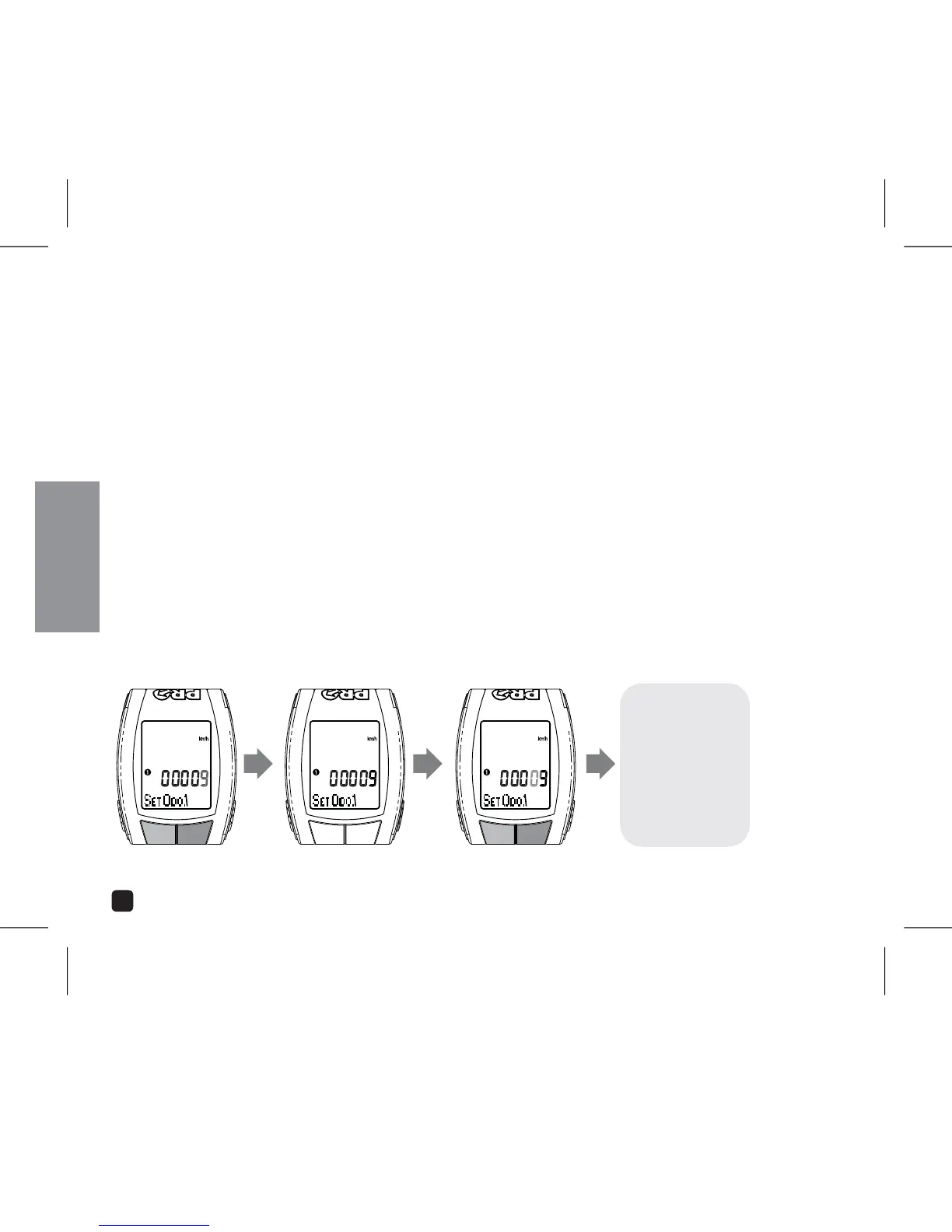
1. Select ODO 1 or 2 by pressing the OPTION or EL key.
2. Press the MODE key. The far right digit will begin to flash.
3. Adjust digit by Pressing OPTION or EL key.
Set value and advance to next digit by Pressing the MODE key.
5. Once all fields have been adjusted, Press the MODE key to return to Setting Menu. To
set ODO 2, repeat steps 1-5.
ADJUST:
PRESS OPTION OR EL
SET & ADVANCE:
PRESS MODE
ADJUST:
PRESS OPTION OR EL
CONTINUE THROUGH
ALL FIELDS
PRESS OPTION OR EL
TO ADVANCE TO NEXT
SETTING



 To Next Page