29
english
SETTING THE STOPWATCH LAP FUNCTION
PRO Scio Cyclecomputers are equipped with an advanced Lap Chronograph that allows you
to time laps either manually or automatically based on either time or distance.
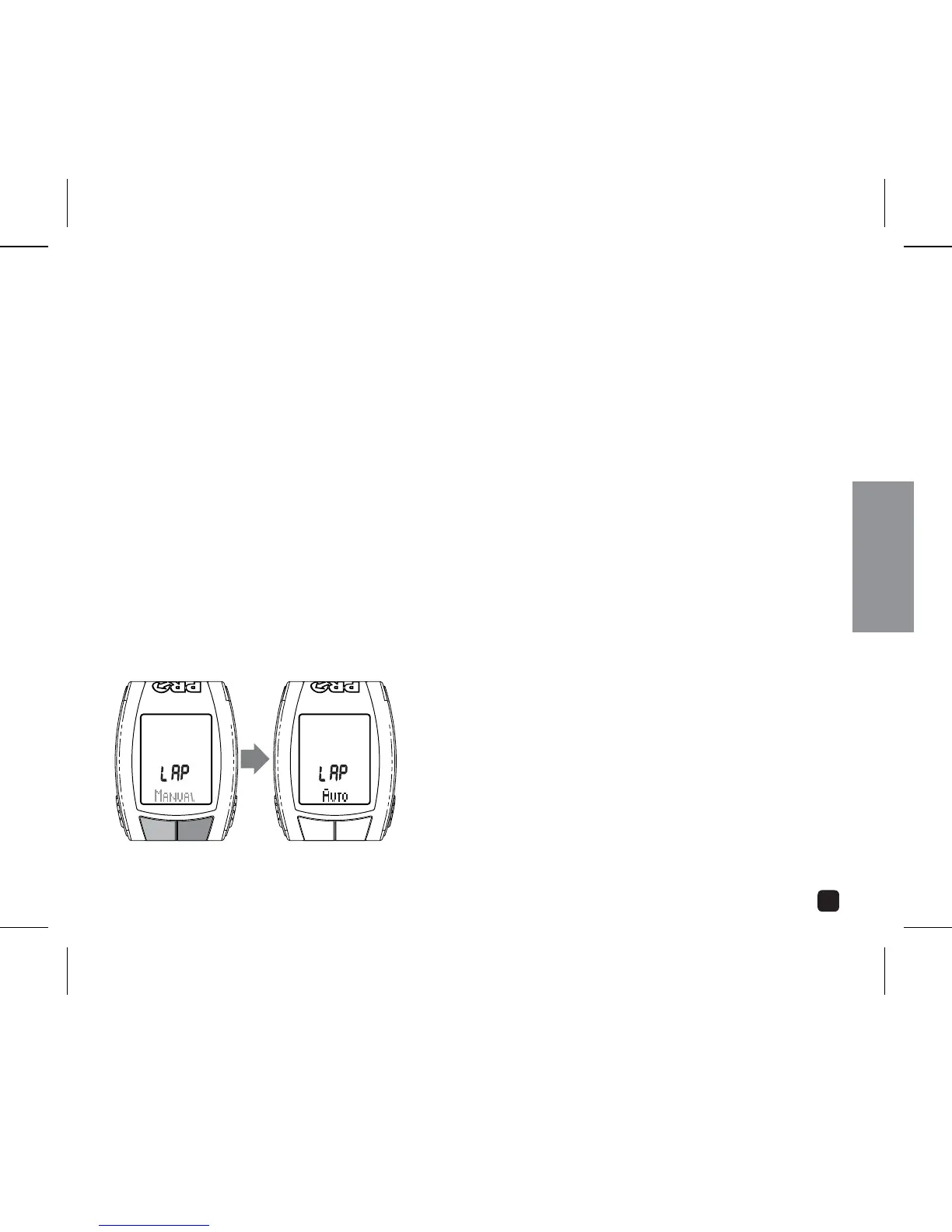
1. In the Stopwatch Setting menu, select LAP by pressing the OPTION or EL key.
2. Press the MODE key.
3. Scroll through Lap functions (AUTO or MANUAL) by pressing the OPTION or EL key.
MANUAL FUNCTION
To operate the Stopwatch manually, select MANUAL. Press the MODE key to return to
operating mode.
(continued next page)
SET: PRESS MODEADJUST:
PRESS OPTION OR EL
PROGRAMMING THE CYCLECOMPUTER



 To Next Page