34
english
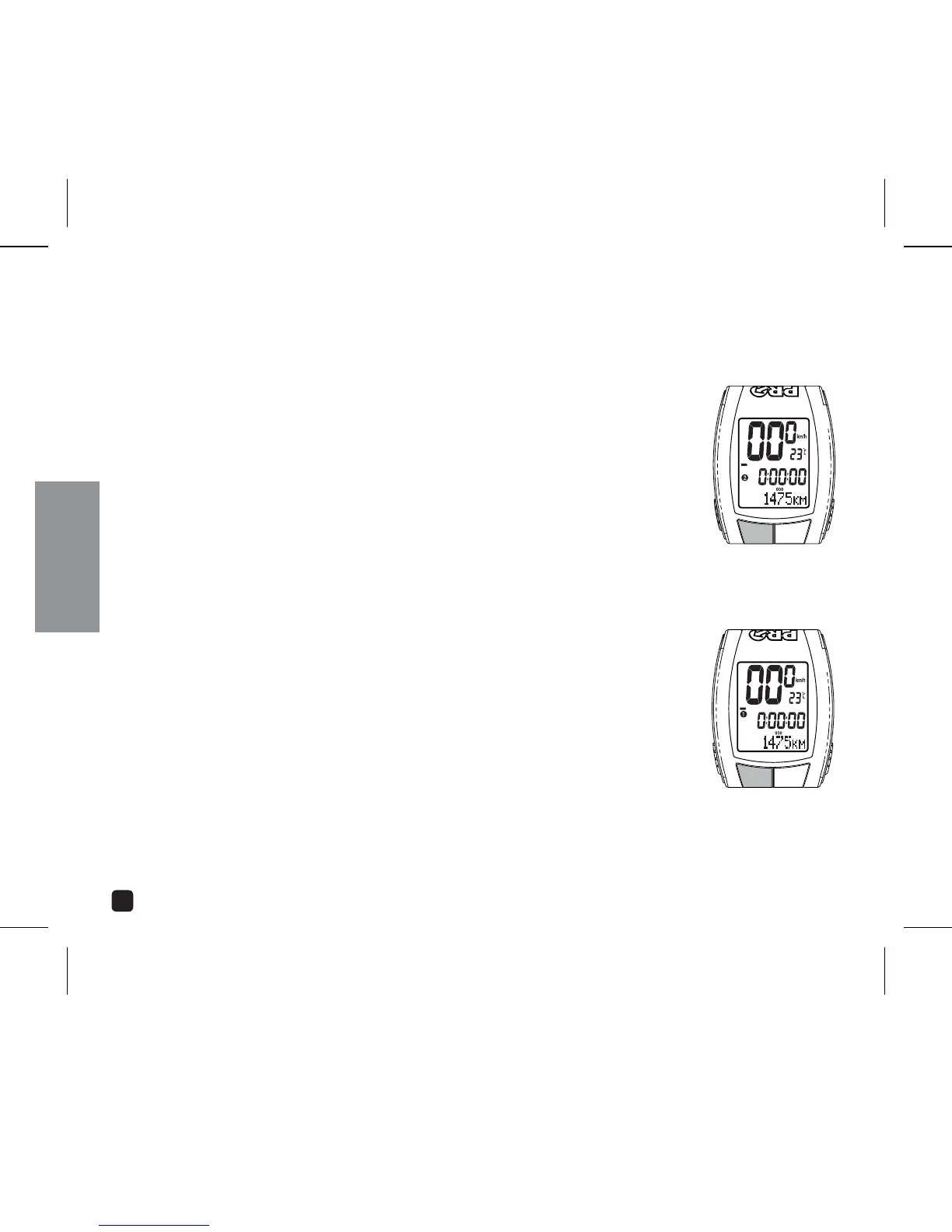
SELECT BIKE 1 OR BIKE 2
PRO Scio Cyclecomputers allow you to program two separate bike
specifications.
SWITCH FROM BIKE 1 TO BIKE 2
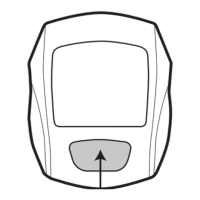
In Odometer (ODO) mode, press & hold the OPTION key to view
Ododeter 2. (Release the OPTION key to resume Bike 1 settings.)
2. Continue holding the OPTION key and press the SELECT key. Bike 2
indicator icon will now display.
SWITCH FROM BIKE 2 TO BIKE 1
1. In Odometer (ODO) mode, press & hold the OPTION key. Bike 1
indicator icon will now display.
OPERATING THE CYCLOCOMPUTER
PRESS & HOLD OPTION
KEY & PRESS SELECT
PRESS & HOLD
OPTION KEY



 To Next Page