40
english
HEART RATE MODE (PRO SCIO 4.1 ONLY)
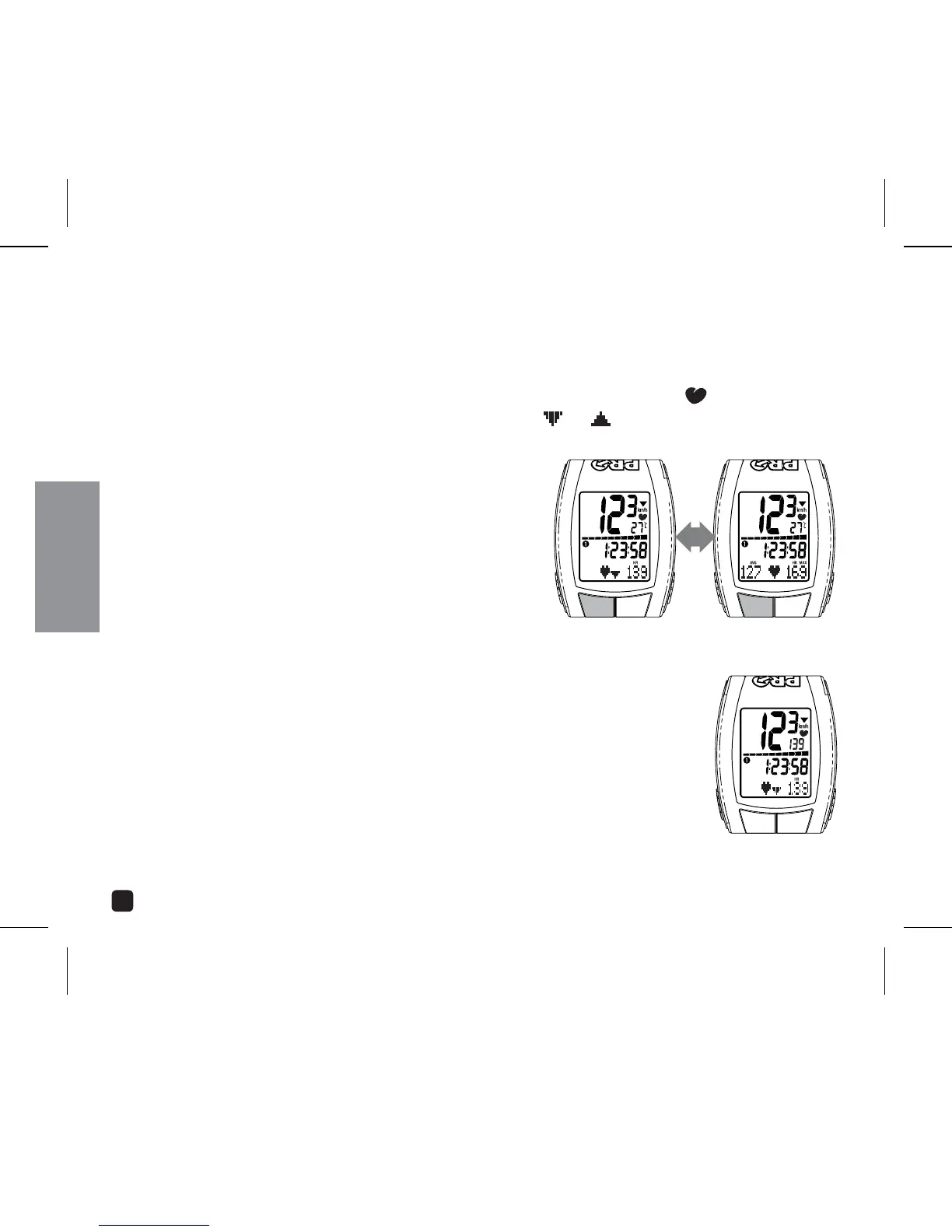
When the PRO Scio 4.1 is receiving a heart rate signal, Heart Rate icon ( ) will display
above the Temperature field. The Target Zone arrows (
) indicate whether current
heart rate is above or below Target Zone.
VIEW AVERAGE AND MAX HEART RATE
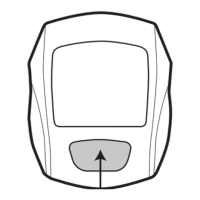
Press the OPTION key in Heart Rate mode.
CONSTANT HEART RATE DISPLAY
The PRO Scio 4.1 allows you to view current Heart Rate in all operating
modes.
1. In Heart Rate Mode, press & hold the SELECT key. Current Heart Rate
will display in the Temperature display field in all operating modes.
2. Switch back to Temperature display by pressing and holding the
SELECT key.
OPERATING THE CYCLOCOMPUTER



 To Next Page