27
english
PROGRAMMING THE CYCLECOMPUTER
SETTING THE STOPWATCH AND ENTERING PERSONAL DATA
(STOPWATCH MODE)
PRO Scio Cyclocomputers estimate calories consumed during your ride. To calculate
Calories you must enter your weight.
.OTE you must also enter your weight to calculate Power/Wattage (PRO Scio 3.5, 4.1 only)
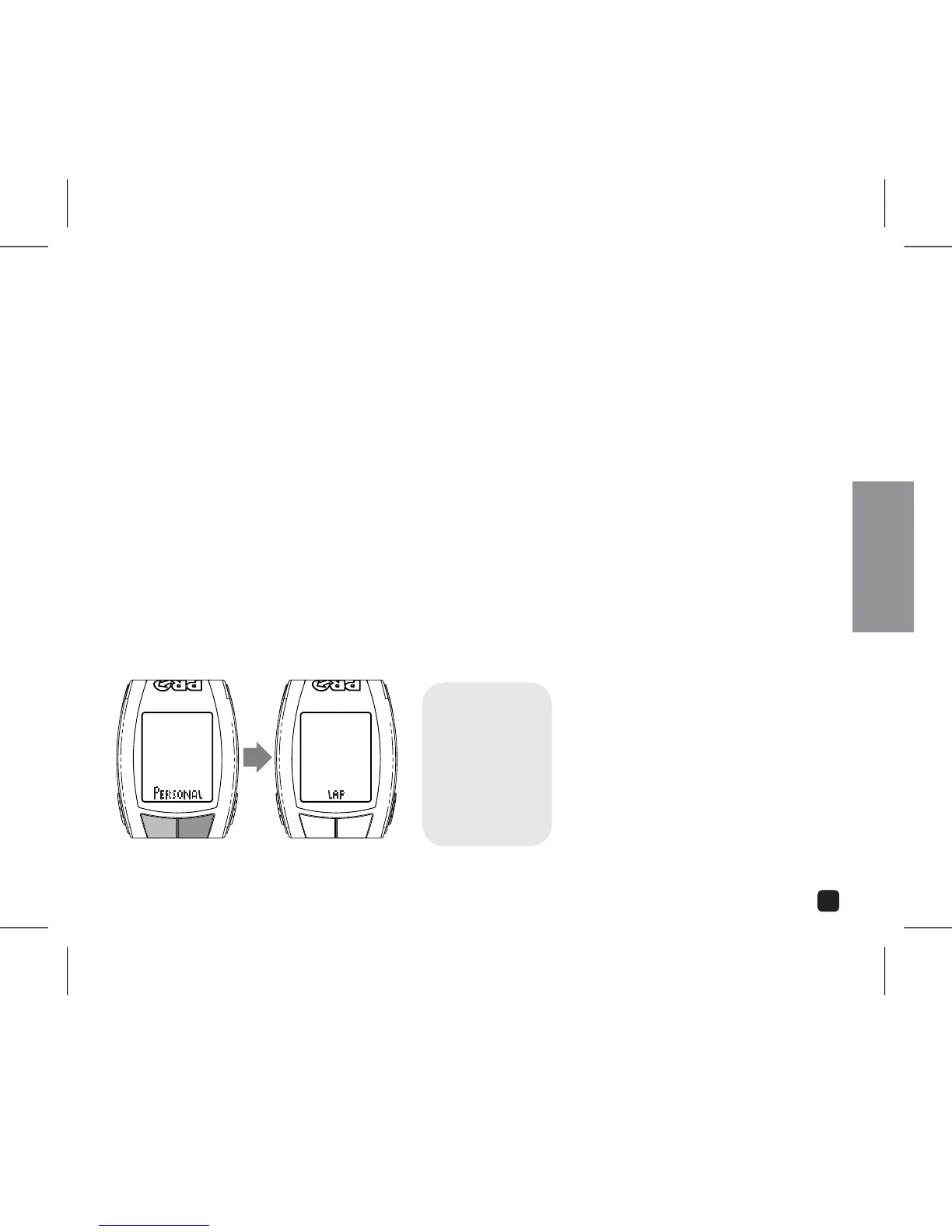
In Stopwatch Mode, press & hold the Mode key to enter the Setting Menu. There are 2
individual fields of information in the Stopwatch Setting Menu. Scroll through the fields by
pressing the OPTION or EL key.
.OTE you may exit the Setting Sequence at any time by Pressing & Holding the MODE key.
ADJUST:
PRESS OPTION OR EL
SET:
PRESS MODE
SELECT: PRESS OPTION
OR EL
TO SET: PRESS MODE



 To Next Page