© 2016 by Proceq SA 28
3.7. Lock device
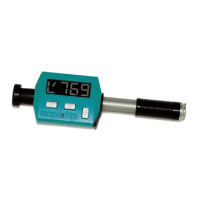
Use the / symbol in the Remote Control section, or access the “Device Settings” dialog
through the “Device” menu to lock / unlock the Equotip Piccolo 2 device keys.
Note:
The device can also be (un-)locked using the “Advanced Settings” menu in the Equo-
tip Piccolo 2 device.
3.8. Exit Software and Connection
Quit the software
Select the “File” menu from the menu bar and select “Exit” in the submenu, or click the “Close”
symbol in the right upper corner.
Disconnecting the device
Simply remove the USB cable. The message is briefly shown on the unit display when
disconnecting the device from the computer.




 To Next Page