OB7 Collaborative Robot User Manual Version 0.6
OB7 Control Functions / 107
MESSAGE TILE
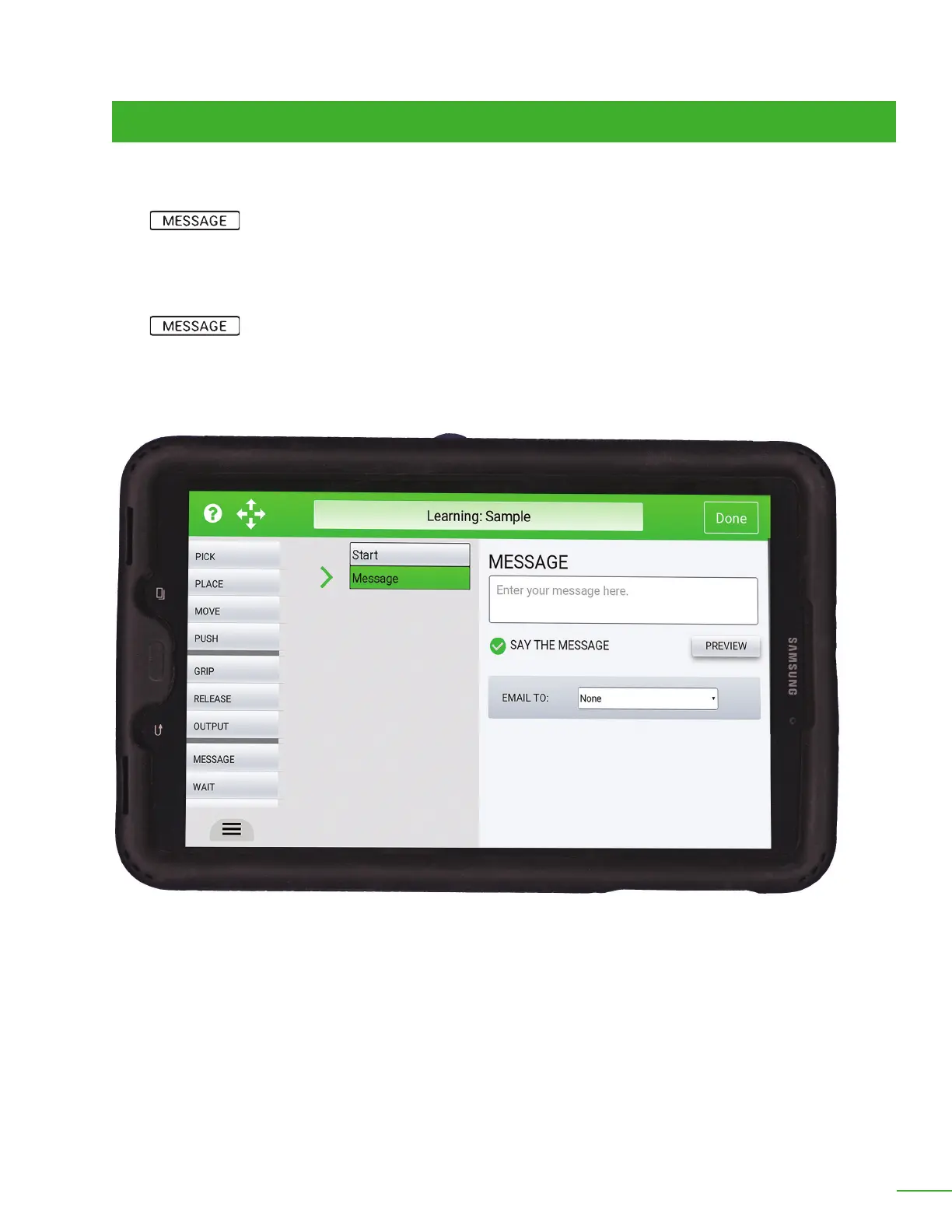
Say the message: By checking this option, OB7 read the message and says it out loud until it is
acknowledged by the operator.
Email To: This message may be emailed by entering the email address here. (Note: this requires
connection to the Productive Robotics Robot Monitoring Cloud Service).
The MESSAGE tile is used by OB7 to send a message to a person. The message can be written out
on the tablet, Spoken from the tablet, or emailed. The message will display on the tablet until an
operator acknowledges it with a tap on the message on the tablet. If the message is spoken, it will be
repeated until acknowledged. If the message is emailed, it will only be sent once.
The message tile will display a message on the control tablet. The message to be displayed is
entered into the "message" area provided.



 To Next Page