OB7 Collaborative Robot User Manual Version 0.6
Meet OB7 / 59
WORK
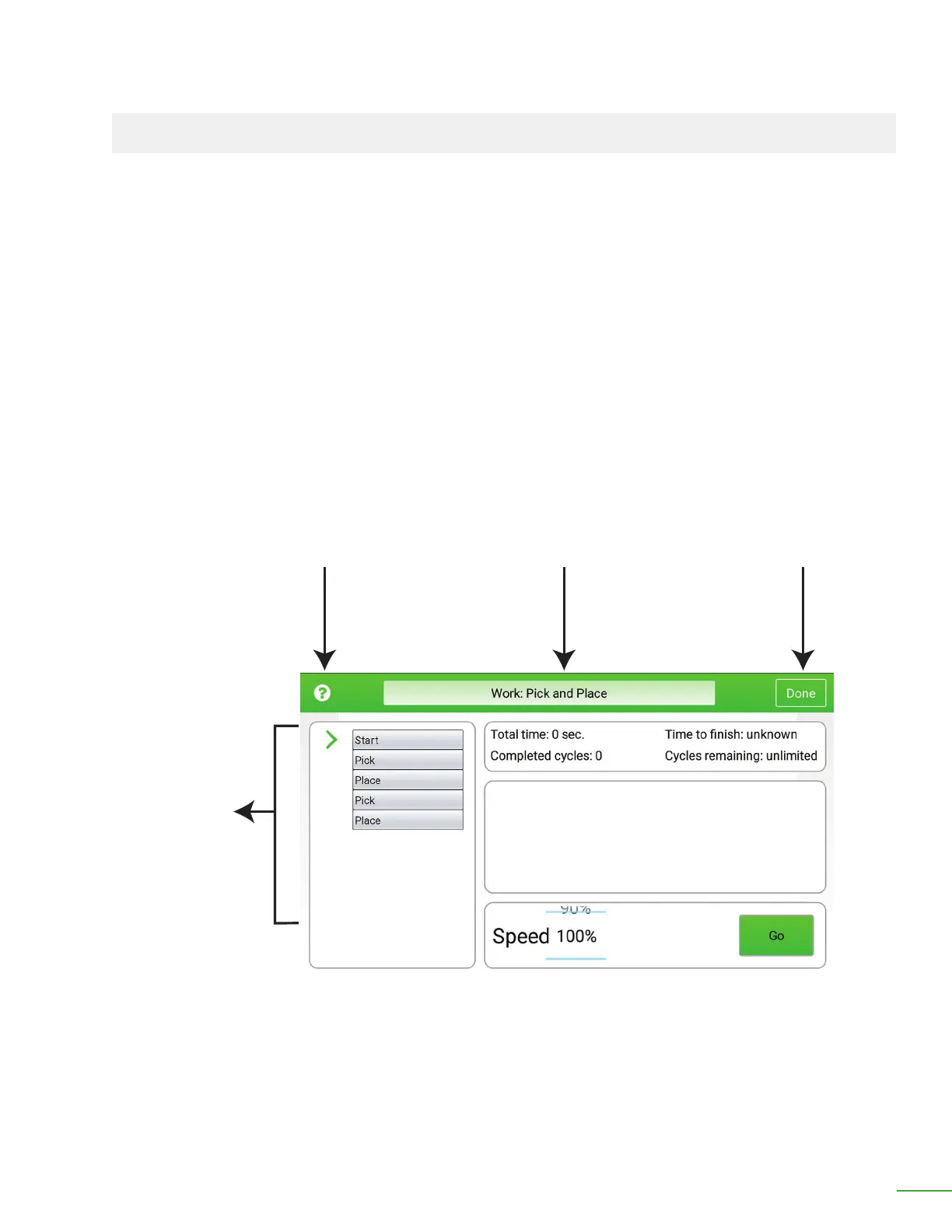
The Work screen displays the job OB7 will perform. The column of tiles on the le side are the same
tiles you saw when OB7 was Learning the job.
To start OB7 on this job, press "Go".
You can select the speed for OB7 to Work from 10%-100% (full speed).
The amount of time spent Working and the number of times the job has repeated are shown in the
top right.
The large empty area in the middle will display pictures taken while OB7 Works, as well as any
important messages while Working.
Work Screen
Help Job Name Done
Control
Tiles In
This Job



 To Next Page