OB7 Collaborative Robot User Manual Version 0.6
OB7 Control Functions / 67
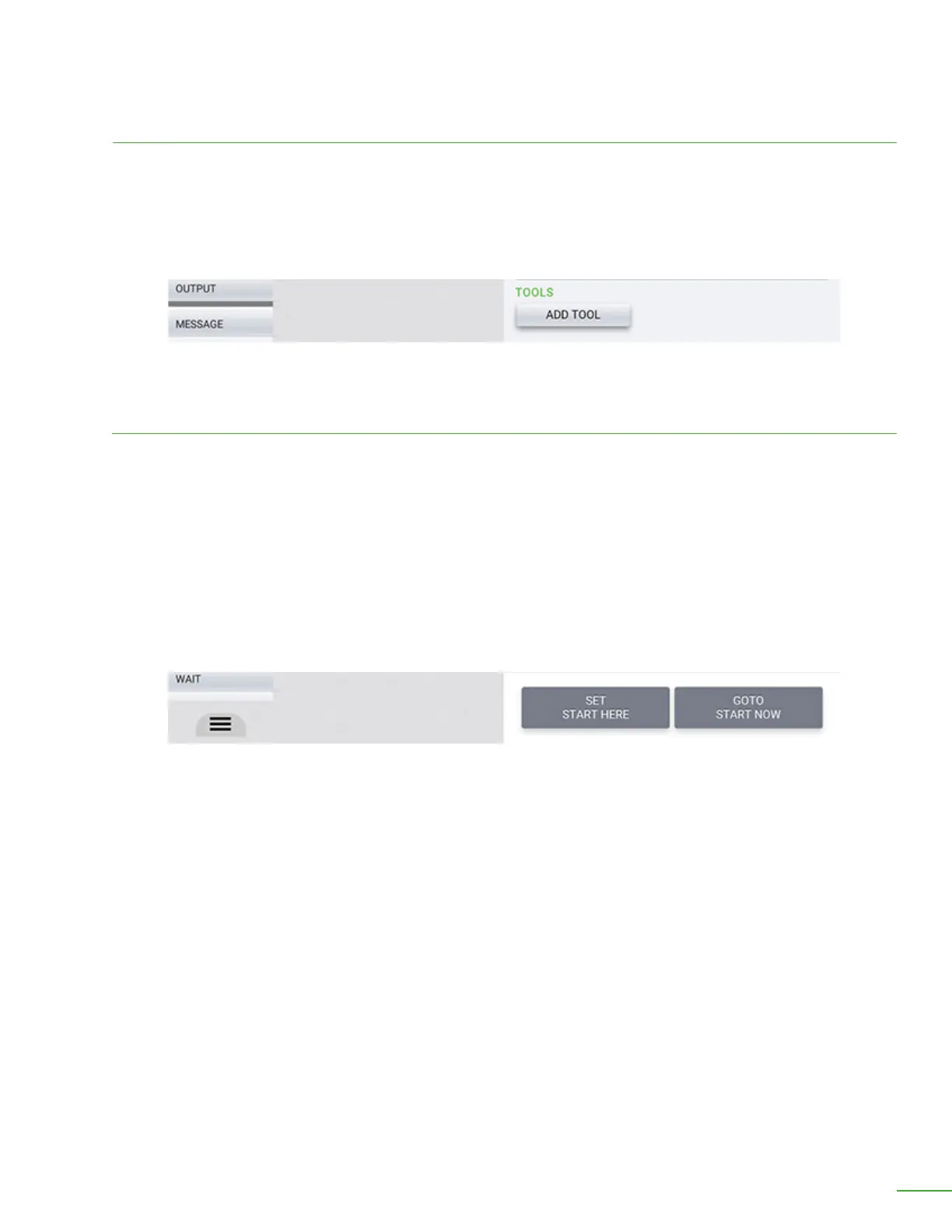
Tools are any equipment necessary for the robot to Work this job. A “tool” can be a machine, assembly
xture, conveyor belt, stacking bin, or anything else that must be present for this job to Work. “Tools”
are identied with a QR code plaque. Before the robot will begin Working, it will look for the QR code
plaque on each of the “tools”. If it is not found, you will be alerted and the job will not run.
Tools
Start Point: You may set a starting position for each job, but it is not required. If you set a starting
position, the robot will move to this position rst, before starting the job.
Press the “Set Start Point” button to set a start point. If you wish to change or remove the start point
press the same button again.
Go To Start Point: If you have set a Start Point for this job, pressing this button will cause the robot to
move to this position. Note that you will need to hold this button down while the robot is moving to
the starting position. If you release the button, the robot will stop moving.
Start
Set a start point for the job or select “Go to start”.
Add a tool that is necessary to complete the job.



 To Next Page