OB7 Collaborative Robot User Manual Version 0.6
OB7 Control Functions / 71
You may also pick stacks of objects into grid or random placements. OB7 will
pick up all the objects of one stack before moving on to the next grid or random
position.
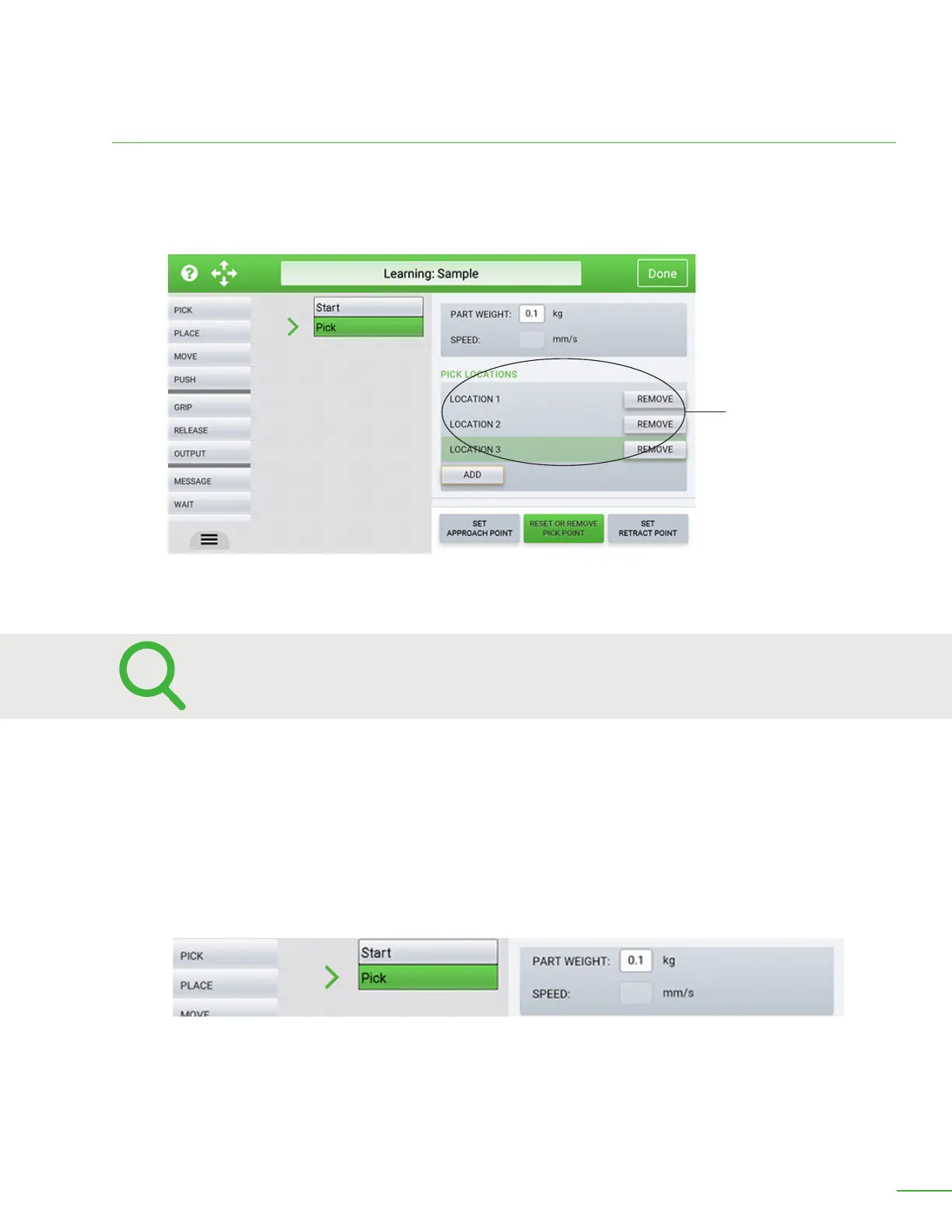
Random
If your objects are not placed in a precise grid, you can ask OB7 to pick them up from random
locations, by checking this box. If you choose random locations, you must show OB7 where those
locations are.
Enter part weight and the speed at which you would like OB7 to move.
Part Weight: Enter the weight of the object you are picking up here.
Speed: If you would like OB7 to move at a dierent (usually slower) speed when picking up the object,
you can enter it here. For example: When picking up a delicate object, it is common to tell OB7 to
move at a slower speed, just like you do when grasping something delicate. It is not necessary to
enter anything here.
Random Positions
Select “Random” to tell OB7 to pickup a group of objects from random locations.



 To Next Page