OB7 Collaborative Robot User Manual Version 0.6
OB7 Control Functions / 72
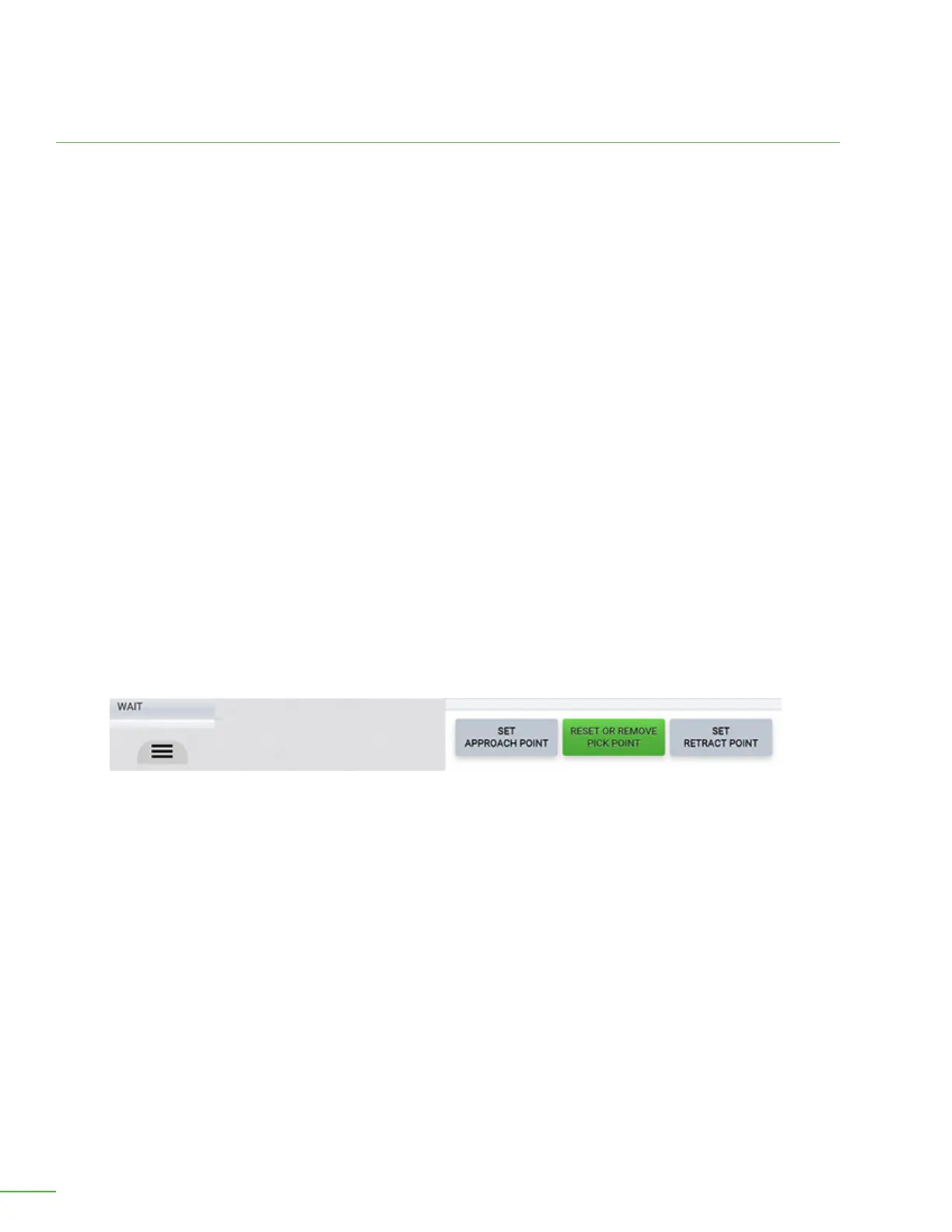
Set Approach Point, Pick Point, or Retract Point.
Pick Locations
Set, Reset or Remove Pick Position: It is not normally necessary to press this button to set the Pick
position. OB7 learns this position automatically when you pick up the object during Learning. If you
need to change the position, you can use this button. OB7 will change the pick location to the current
position at the time you press this button. This button is most commonly used when you want to
adjust the pick position by a small amount aer OB7 has already learned the job. The button will turn
green aer the point has been set. If you press it again you will you will be prompted to either change
the position, or erase it.
Set, Reset or Remove Approach Position: Use this button to set the direction from which OB7
approaches the pick position. It is not normally necessary to set this position. OB7 will automatically
approach the object from above. Sometimes, it is desirable to approach the object from the side,
or another direction. Use this button to tell OB7 which direction to approach the object from. An
example of this is when picking an object o a shelf when there is another shelf above it. The button
will turn green aer the point has been set. If you press it again you will you will be prompted to
either change the position, or erase it.
Set, Reset or Remove Retract Position: Use this button to set the direction OB7 moves aer picking
up the object. It is not normally necessary to set this position. OB7 will automatically move straight
up aer picking up the object. Sometimes, it is not desirable to move straight up aer picking up the
object. You can use this button to tell OB7 which direction to move aer picking up the object. An
example of this is when picking an object o a shelf when there is another shelf above it. The button
will turn green aer the point has been set. If you press it again you will you will be prompted to
either change the position, or erase it.



 To Next Page