OB7 Collaborative Robot User Manual Version 0.6
OB7 Control Functions / 88
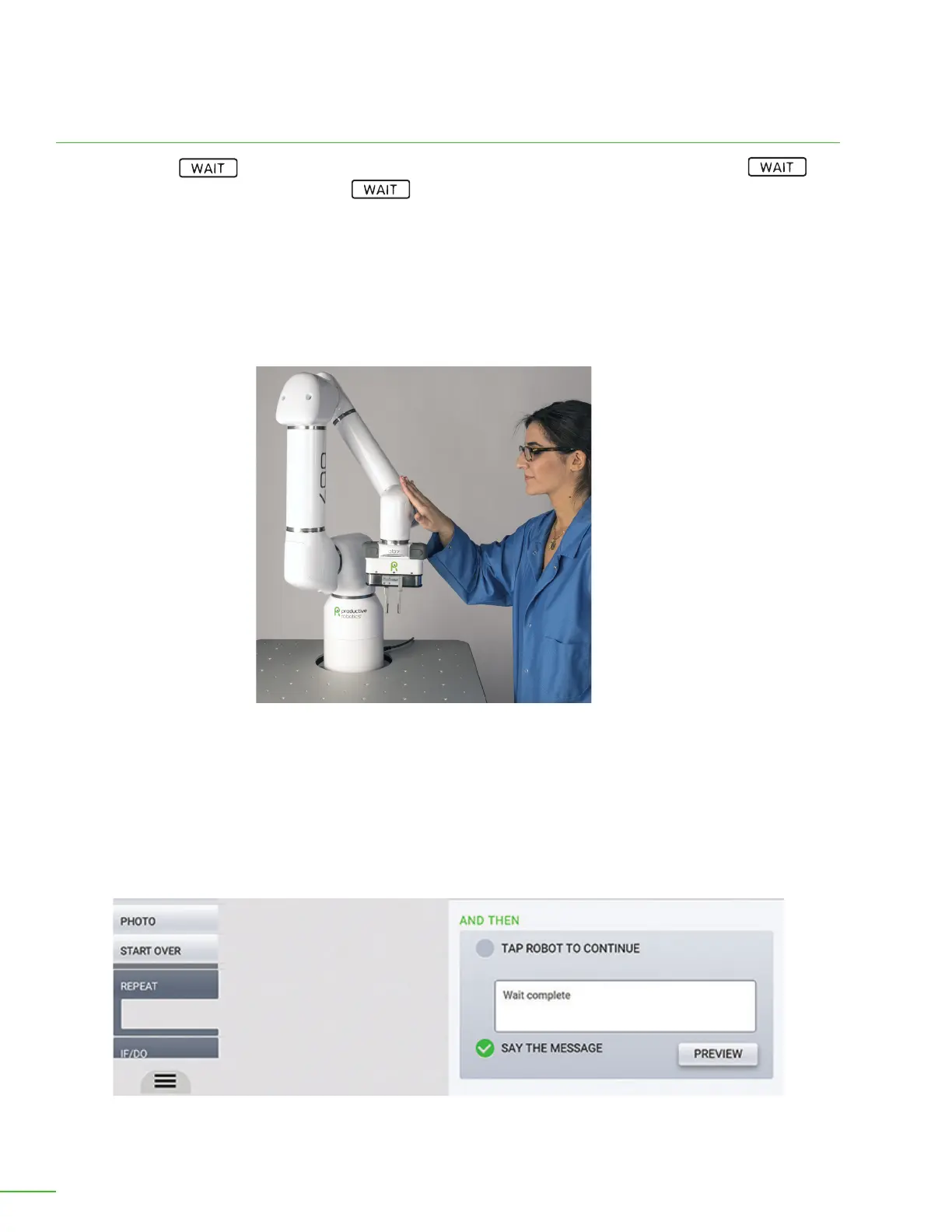
Tap on OB7’s joint to acknowledge a message.
Specify the wait options.
Message: If you enter anything into this box, this message will be presented on the control tablet
while OB7 waits. You may tap OB7 anywhere on its arm. OB7 is most sensitive to being tapped near
its gripper. You may also continue by pressing “continue” on the tablet.
Say the Message: By checking this option, OB7 reads the message and says it out loud while waiting.
And Then
Aer the above WAIT condition(s) has or have occurred, the subsequent portion of the WAIT
begins. This portion causes the job to WAIT for operator input. A message can be displayed and
OB7 will wait for the operator to acknowledge the message. The message may be acknowledged
either by tapping “continue” on the tablet, or by tapping OB7 directly on one if it’s joints, as shown:
Tap Robot to Continue: If this option is selected, OB7 will continue waiting, AFTER the condition
above is satised, for the operator to tap the robot. When the operator Taps OB7, it will continue on
with the job.



 To Next Page