OB7 Collaborative Robot User Manual Version 0.6
OB7 Control Functions / 97
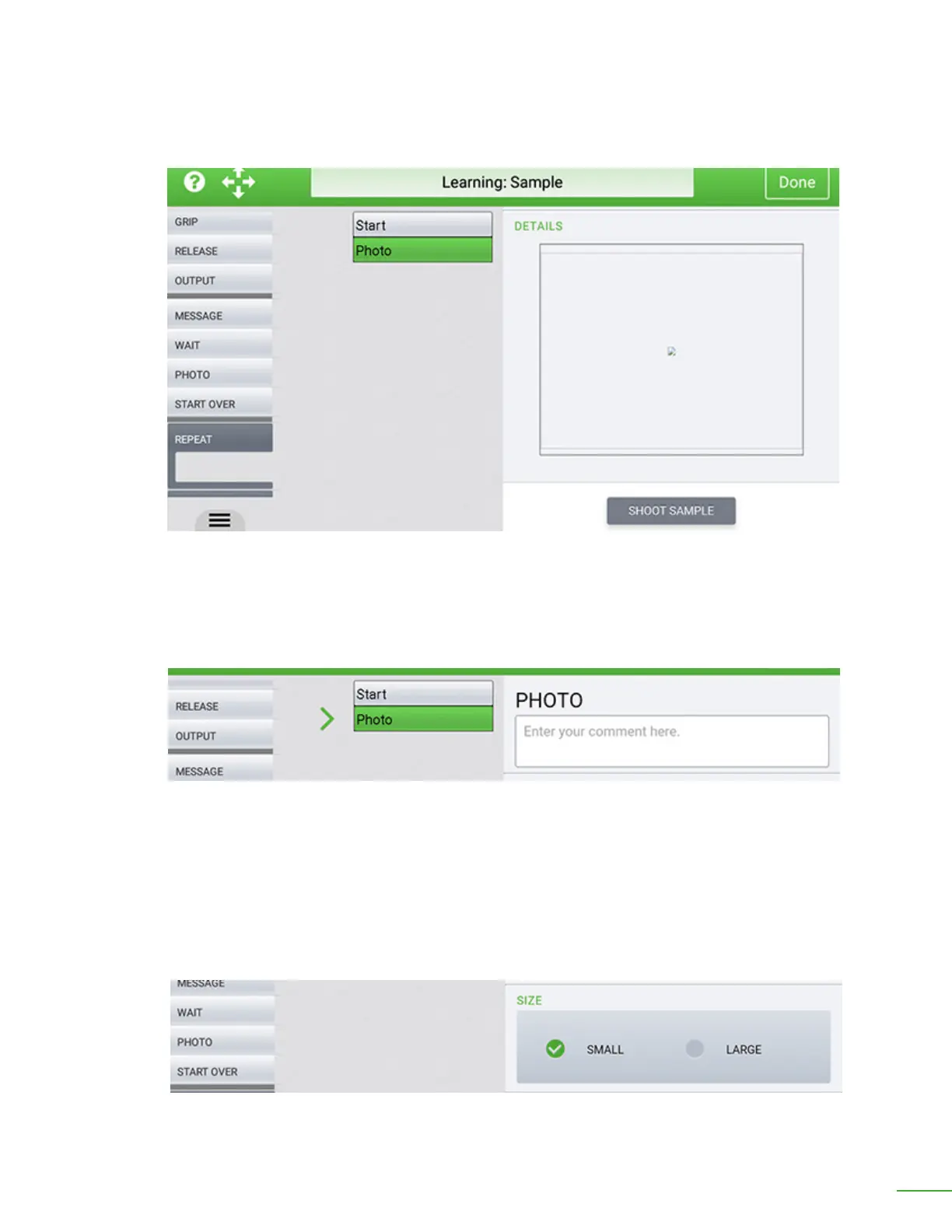
Enter descriptive comment.
Select small or large image.
Shoot Sample: Press this button to take a sample picture. The sample image will be displayed on the
control tablet in the space provided.
Press “Shoot Sample” to take a sample picture.
Comment: Enter any comments here. You might enter a comment that reminds you what you’re
taking a picture of. Entering a comment is optional.
Large Image: Check this option to capture a large image le. The large image is approximately 5M
pixels.
Small Image: Check this option to capture a small image le. The small image is approximately 1M
pixels.



 To Next Page