OB7 Collaborative Robot User Manual Version 0.6
OB7 Control Functions / 99
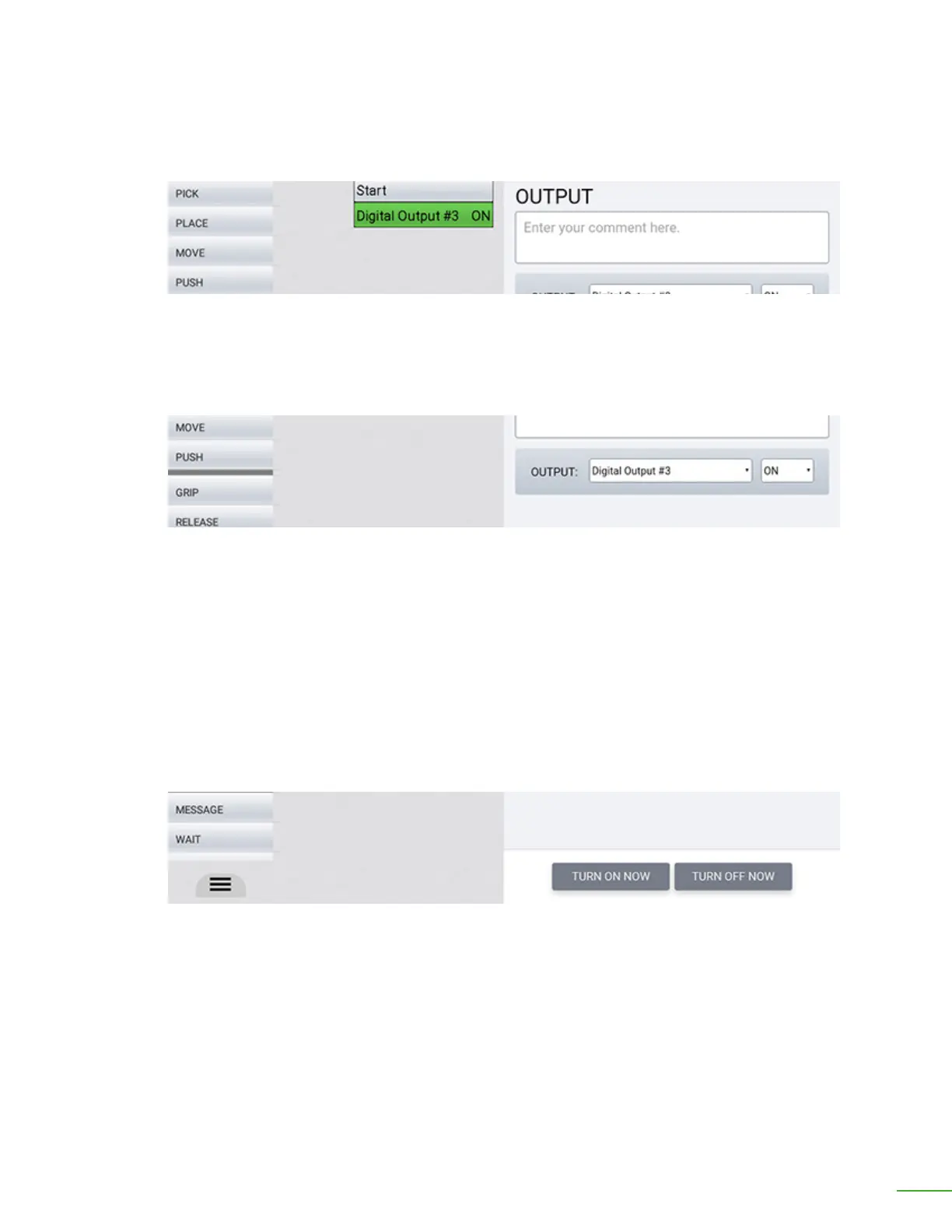
Enter descriptive comment.
Select name of signal.
Comment: Enter any comments here. You might enter a comment that describes any details of what
this output will do. Entering a comment is optional.
Output: Select the name of the signal and whether to turn it "on" or "o".
Turn On Now: Immediately turn ON the signal for testing purposes. Note that this button is only
available while OB7 is Learning a job. Once OB7 begins to Work that job, these buttons are not
available.
Turn O Now: Immediately turn OFF the signal for testing purposes. Note that this button is only
available while OB7 is Learning a job. Once OB7 begins to Work that job, these buttons are not
available.
Select “Turn On” or “Turn O” while OB7 is Learning.



 To Next Page