Prodys S.L. Tel: +34 91 6896880 Fax: +34 91 6943777 Email: sales@prodys.net Web: www.prodys.com
Page 19
communication link and balance the bandwidth usage of each interface based on
that information.
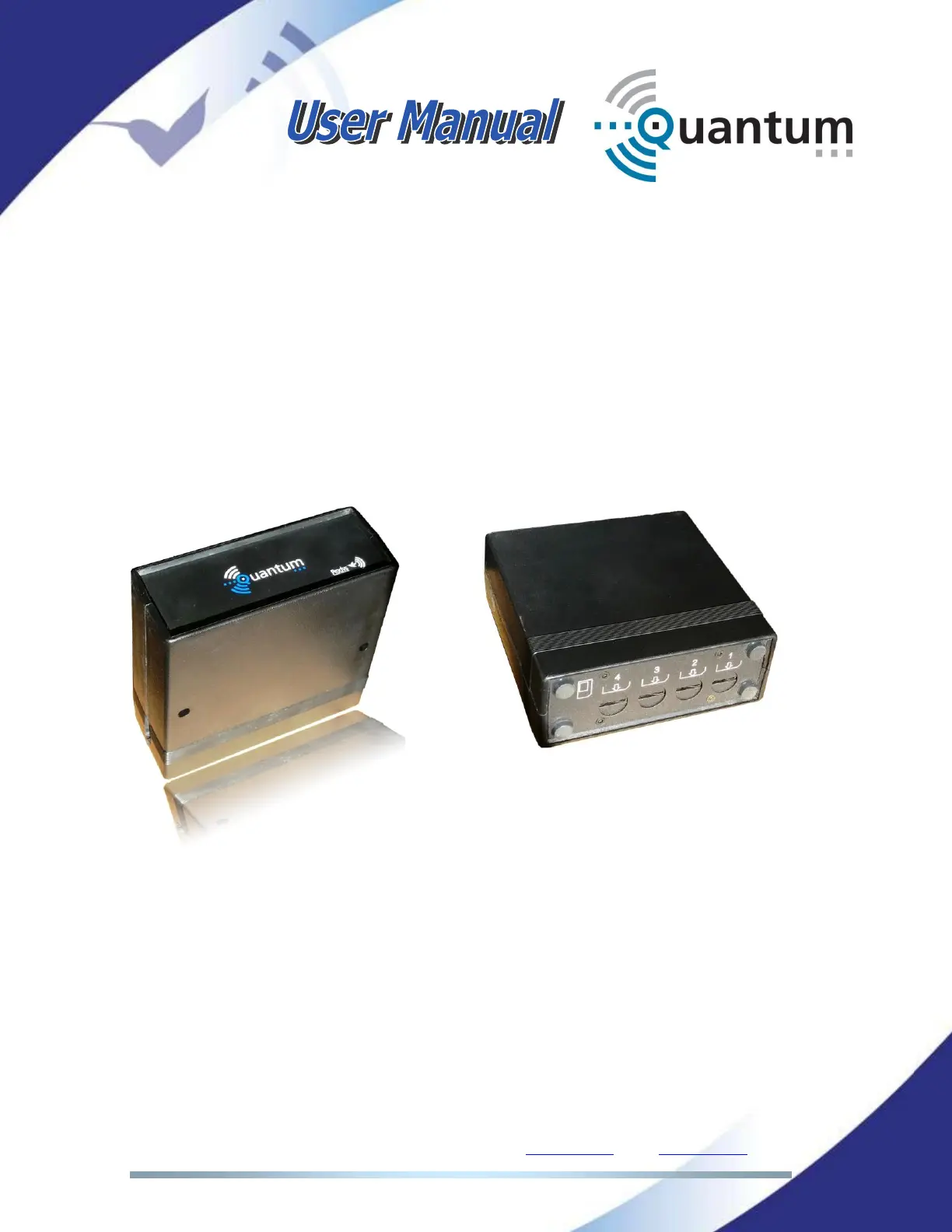
The wireless communications module is composed of a main box (it holds 4
3G/4G modems and the antenna system), the SIM module that holds 4 SIM card
slots to insert the different SIM data cards, and the cable and connector that
allows the user to hook this module up to the Quantum unit. The connector for
this module is on the rear panel of the unit.
Before connecting the Wireless Communications module to the Quantum
Portable device, the user must insert those SIM cards available for data
connections into the SIM slots.
Each SIM slot in the SIM module has been assigned a number. That number
must be taken into account when configuring each of the different 3G/4G data
connections (APN, user and password) so that the SIM cards and the different
configuration parameters match. Once the SIM cards have been inserted into
the SIM slots, this module should be connected to the unit on its rear panel.
As soon as the user connects the module to the unit, it will be detected
automatically and Quantum will ask for the PIN number of each of the available
SIM cards, on either the web interface or the touch panel menu. Once the PIN
number is entered, it will be checked and kept in memory till the 3G/4G module
is disconnected or the unit is restarted.



 To Next Page