Prodys S.L. Tel: +34 91 6896880 Fax: +34 91 6943777 Email: sales@prodys.net Web: www.prodys.com
Page 20
Once the internal modems are up and running and, in order for the 3G/4G data
connection to be used by the unit, the APN (Access Point Name), user and
password settings for each mobile network operator being used must be
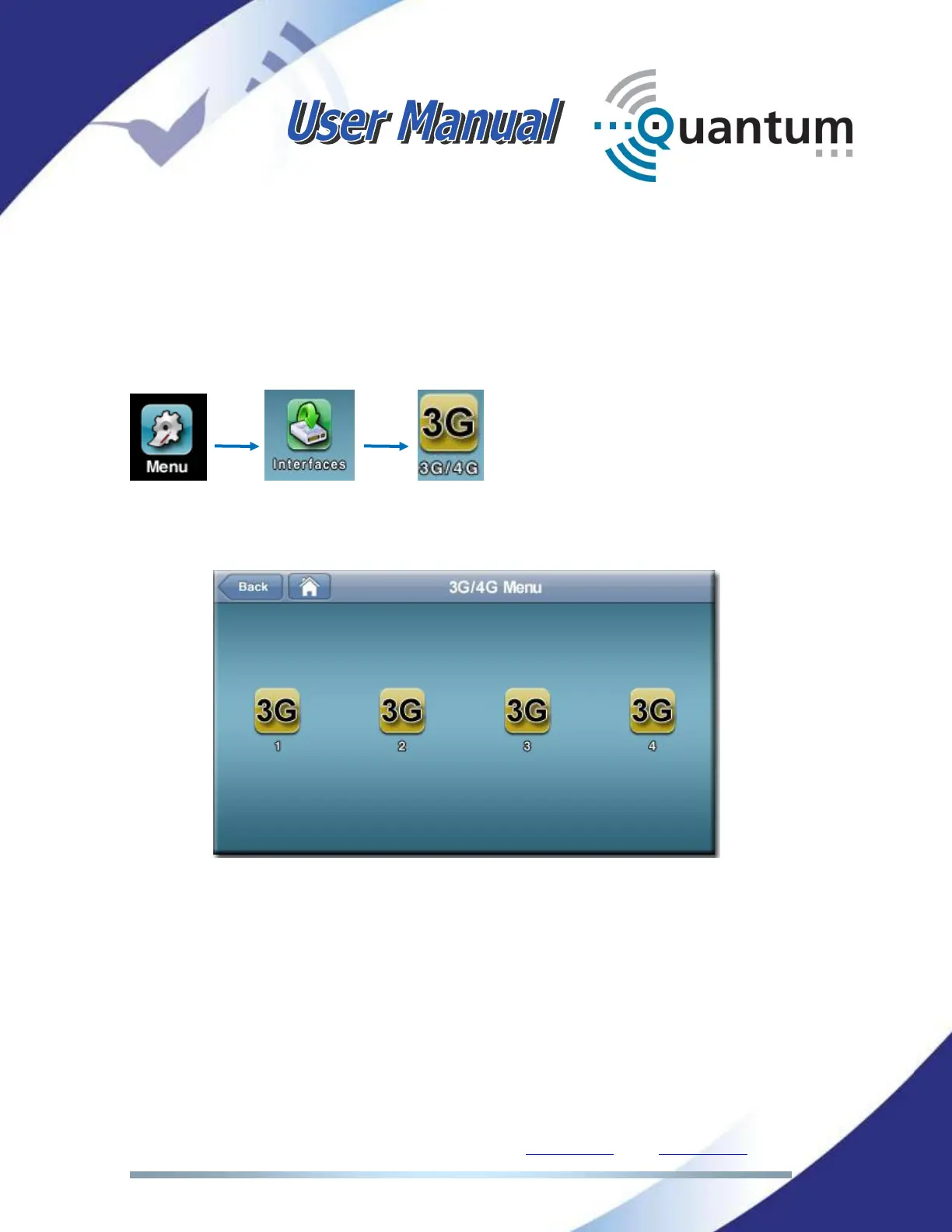
configured by the user. To do that, click on the following icons of the front panel
menu or the web page:
The configuration window similar to this will appear:
Just click on the corresponding icon to enter the APN configuration window:



 To Next Page