Document # MAN0001 Issue 4.29 Page 23 of 34
External Keypad Star Key Mode
The externally connected keypads can be configured to be used for programming. However, for
security reasons, this is disabled as a default. This is because these keypads are usually positioned
on the unsecured side of the access door. This is done by disabling the Star Key on the keypad.
The start key is required to begin any programming sequence.
However, if it is desired to use these for programming the “Star Key” can be enabled using this
engineers function. This will need to be programmed from the controller keypad.
Values
0 = Disable
1 = Enable
Default Value
• 0 = Disabled
Related User Menus:
• 01 “Access Code”
Related Engineer Menus:
• 20 Two Factor Authentication
• 98 Clear Access Code
Two Factor Authentication
The C4 provides both access code and credential identification methods. These can be combined
so that both a valid credential and the access code have to be entered to release the lock.
Range of Values:
0 = Disabled
1 = Enabled
Default Value:
0 = Disabled
Related User Menus:
• 01 Access Code
• 04 Add Credential
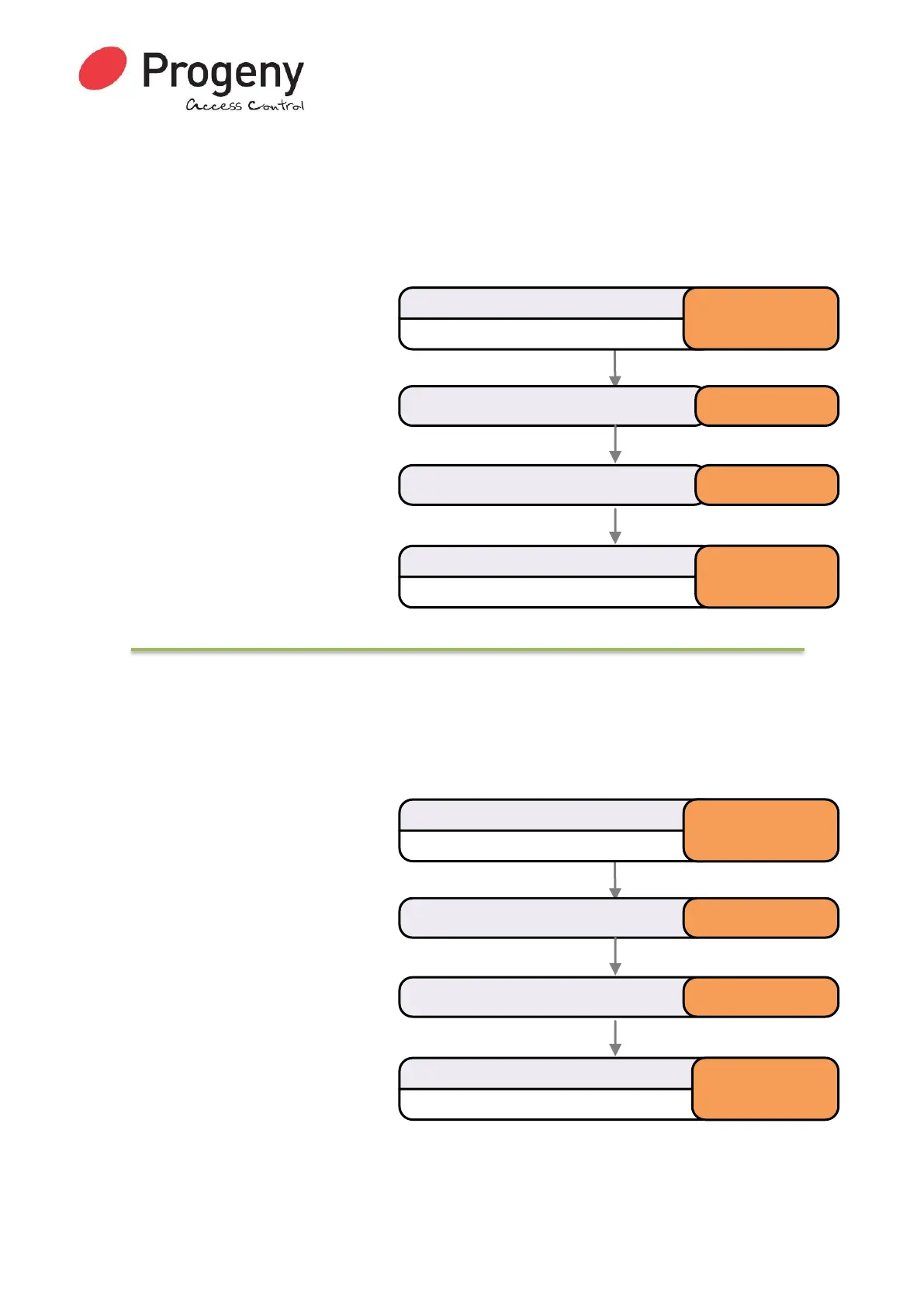
Status LED will Flash
Enter Engineer Password
* 1 2 3 4 5 6
Select External Star Key Modemenu * 1 9
Status LED will stop Flashing
Complete & Exit Programming Mode
#
Enter selected code 1
Status LED will Flash
Enter Engineer Password
* 1 2 3 4 5 6
Select
Two Factor Authentication Enable
* 2 0
Status LED will stop Flashing
Complete & Exit Programming Mode
#
Enter required mode 1


 To Next Page