17
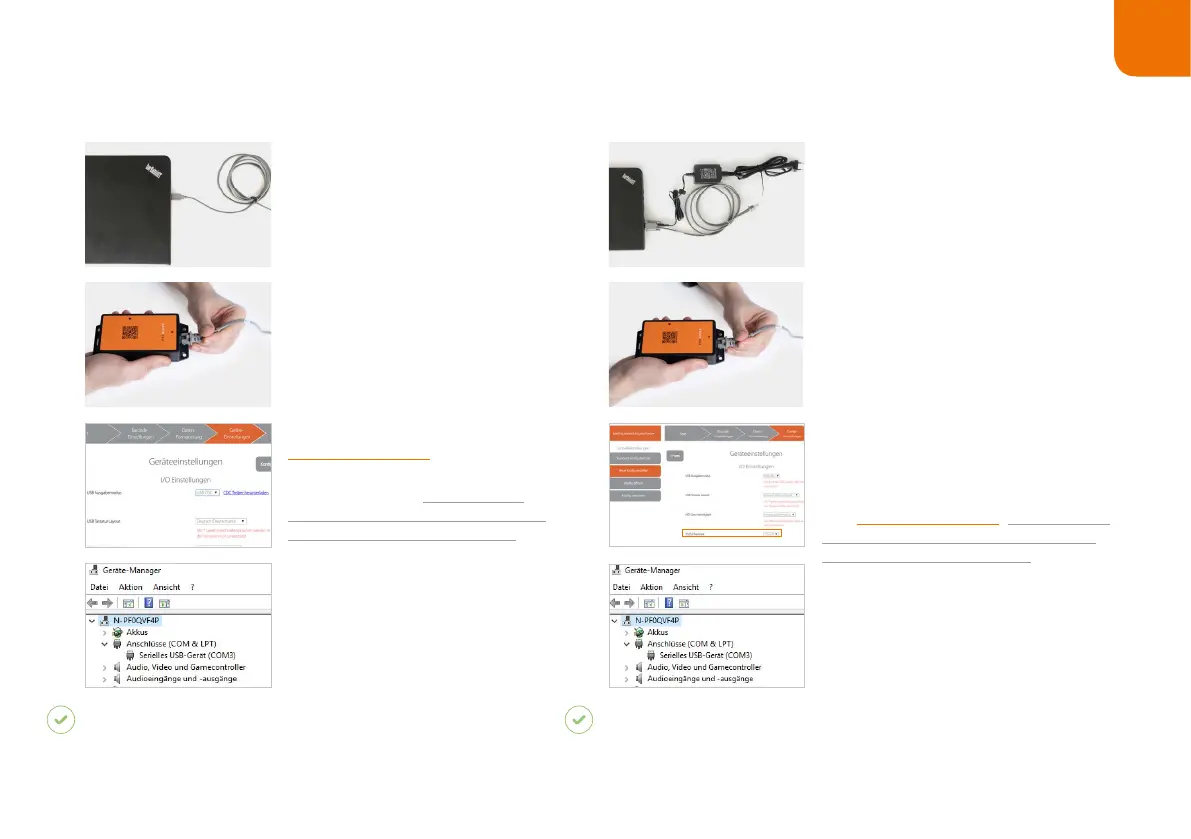
CONNECTION WITH USB CABLE IN USB CDC MODE:
1. Connect the USB cable to the
end device.
2. Plug the other end of the USB
cable into the RJ45 socket of
the Access Point One S. A clear
correct fastening.
under “Device
settings - USB output mode,”
select USB CDC. More detailed
information about this can be found
4. Connect with the COM port
on the end device.
RESULT
The LED of the Access Point One S lights up green.
The Access Point One S is connected to the end device.
CONNECTION WITH RS232 CABLE:
1. Connect the RS232 with the
end device. Connect the power supply
power source.
2. Plug the other end of the cable into
the RJ45 socket of the Access Point
One S. A clear clicking sound con-
3. Check which baud rate must be
set. The baud rate is set to 115,200 as
a standard. At a different baud rate,
tool . More detailed
information about this can be found in
.
4. Select the COM port on the end
device and set the appropriate baud
rate.
RESULT
The LED of the Access Point One S lights up green.
The Access Point One S is connected to the end device.
868
(915)
MHz



 To Next Page