25
DISCONNECT MARK 2 FROM THE
ACCESS POINT ONE S:
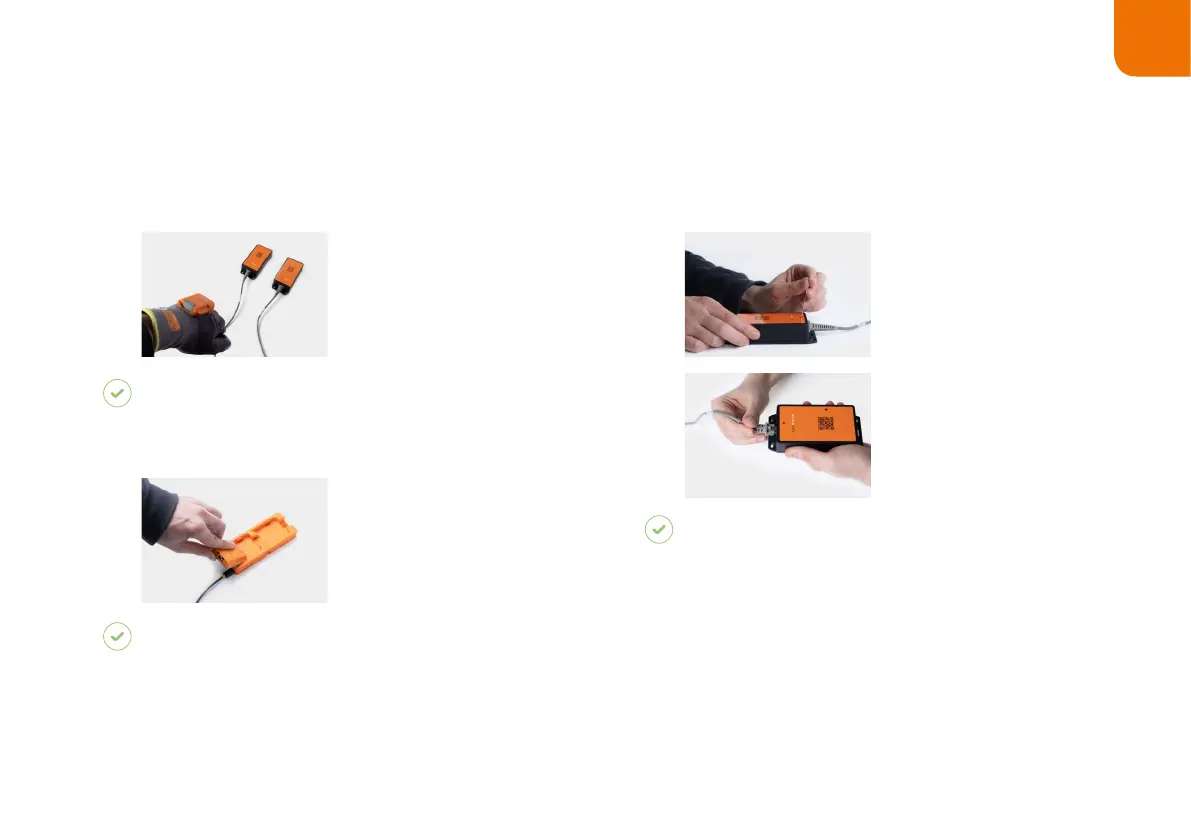
Use MARK 2 to scan
the pairing code of a
different Access Point
One S.
RESULT
MARK 2 is disconnected from Access Point One S
and is connected to the new Access Point One S.
Place MARK 2 in the
Charging Station S.
RESULT
MARK 2 is disconnected from the Access Point One
S and can be connected to a new one.
DISCONNECT THE CONNECTION CABLE FROM
THE ACCESS POINT ONE S:
1. Press an elongated object
(e.g. paper clip) into the opening
on the top of the Access Point
One S to open
the safety closure.
2. Once the safety closure has
been pressed, disconnect the
connection cable out of the
RJ45 socket.
RESULT
The LED of the Access Point One S no longer lights up
green.
The connection cable is disconnected from Access Point
One S.
868
(915)
MHz
6
TH
STEP: DISCONNECT MARK 2 (868/915 MHZ)



 To Next Page