24
CAUTION
For mid-range scanning range: do not look directly into
the crosshairs!
Otherwise this can lead to temporary blinding effects.
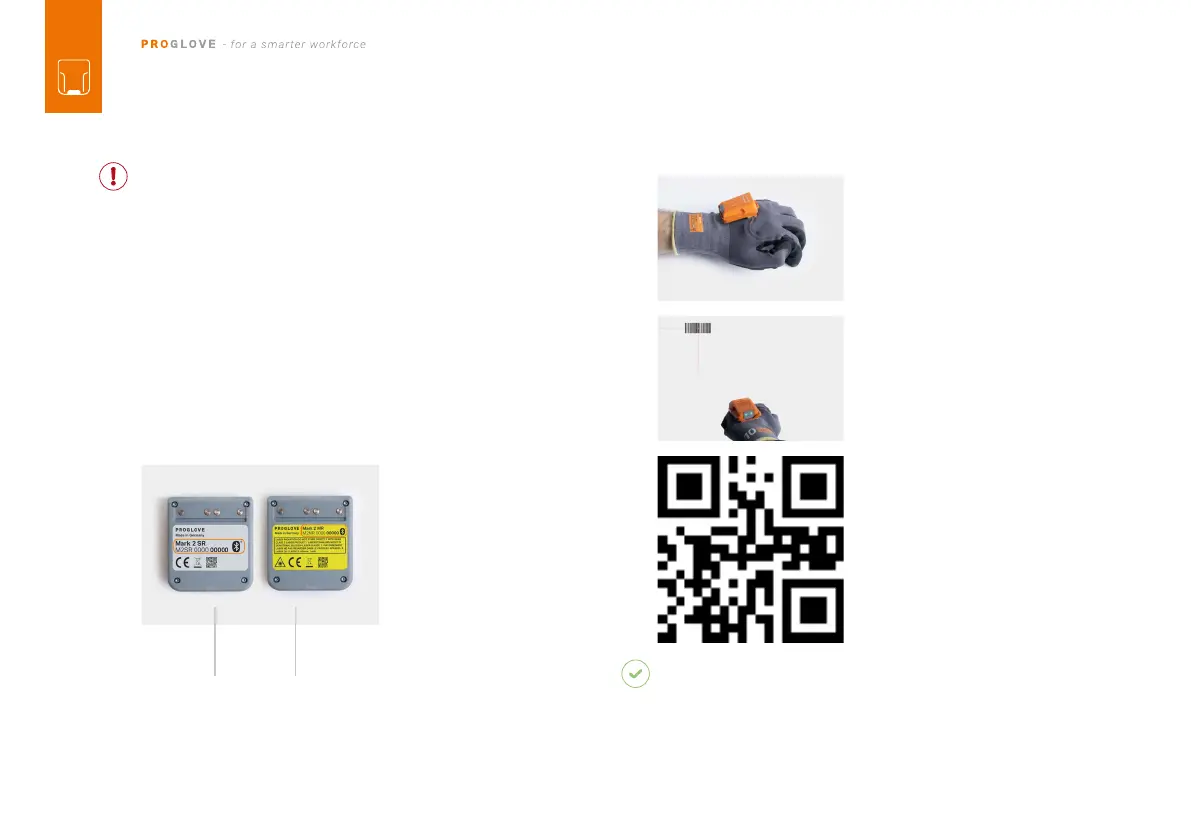
MARK 2 is an omnidirectional scanner. MARK 2 can
thus scan barcodes from different angles.
For a standard range device
(serial number: M2SR…), the
scanning range is between 10 - 80 cm per application
case and barcode size. For a mid-range device (serial
number: M2MR…), the scanning range is 30 - 150 cm per
application case and barcode size.
the glove in order to activate
the crosshairs.
2. Aim MARK 2 crosshairs at
the barcode and scan.
EXAMPLE BARCODE:
RESULT
MARK 2 lights up green. You can hear a beeping sound
and feel a short vibration.
-
mitted it to the end device.
5
TH
STEP: SCAN WITH MARK 2
standard range mid range



 To Next Page