12
User Manual | Agrónic 2500
5.1. FERTILIZATION
5 PARAMETERS
To access the menu, press ‘Function - 4. Parameters’ on
the keyboard .
FUNCTION
1. PROGRAMS
2. MANUAL
3. READINGS
4. PARAMETERS
It is divided into eight sections. To enter one of them,
just press the corresponding index number or move
to the selection with the arrow keys and then press
‘Enter’ .
PARAMETERS
1. Fertilization
2. Filters
3. General
4. Programs
5. Sectors
6. Communications
7. Various
8. Installer
If a menu has more than 5 lines, the ‘↓’ symbol will be
displayed to indicate that they do not fit on the screen,
so press the index number or move the key ‘↓’ to
access them.
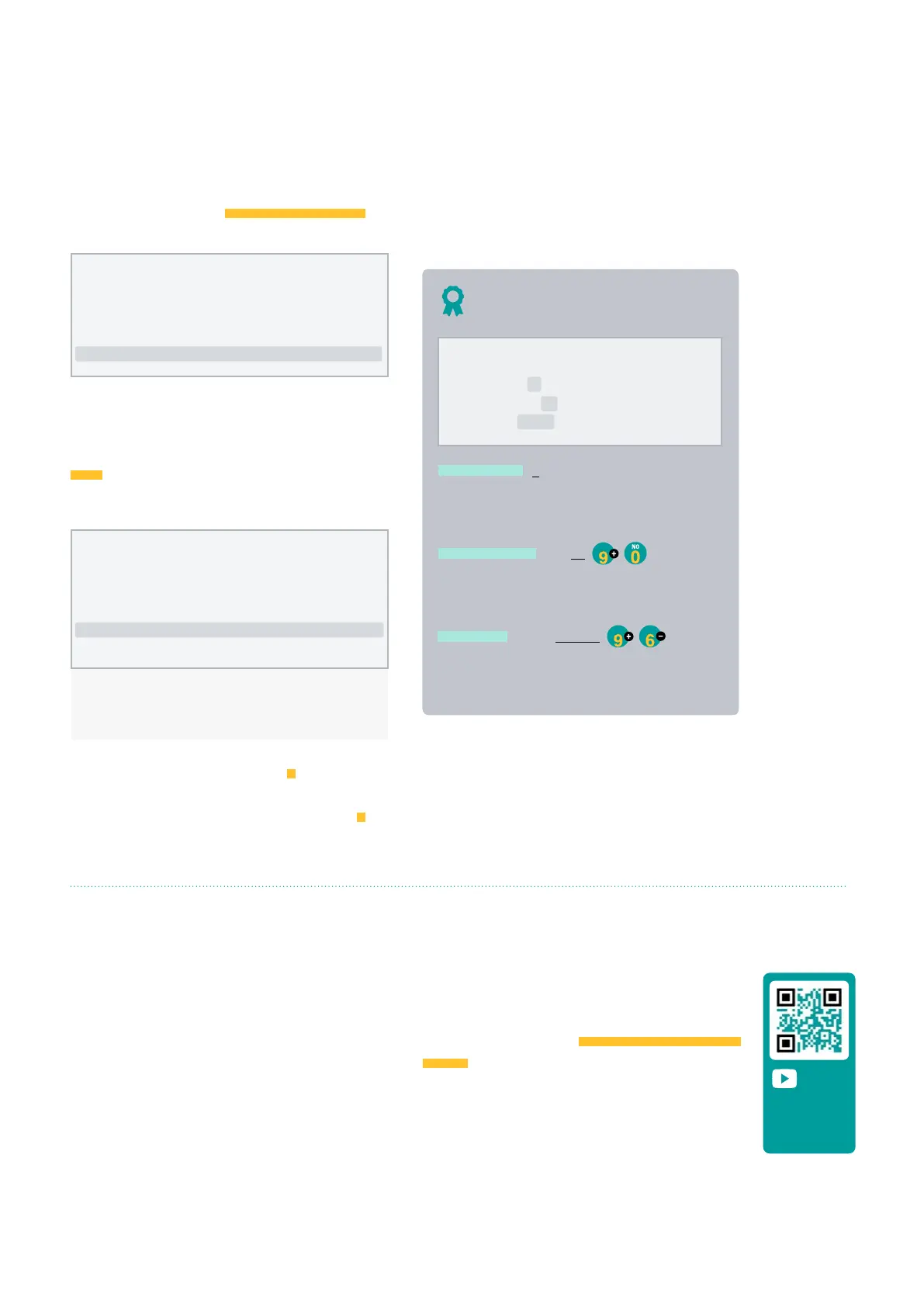
An example of how to interpret the questions and how
to modify the possible values to configure is explained:
Example
N. of fertilizers (0 ... 4)
• Underlined value or number: indicates the
default value that is configured in the controller.
Fertilizer general (yes | no)
YES
• Indicates the option to respond with ‘yes’ or
‘no’.
Type of fert. (series | parallel)
YES
FRI
• Indicates that there are several options to
modify.
Example of interpretation
N. of fertilizers: 0
Fertilizer general: no
Type of fert.: series
The Agrónic 2500 can operate with a maximum of four
fertilizers that are applied in series (one aer another),
in parallel (all at once), in units of time or volume and
separate pre/post irrigation for each program.
For each fertilizing, there may be a mixer that stirs the
fertilizing tanks before and during irrigation.
The outputs where the fertilization elements can be
connected are assigned in ‘Function - 4. Parameters – 3.
General’.
To install and prepare the unit for operation, enter the Parameters section and adapt them to the
needs of each installation.
Video tutorial
available for
this section



 To Next Page