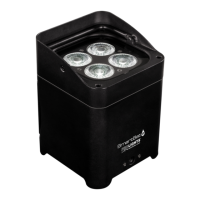
SMARTBATPLUS
12
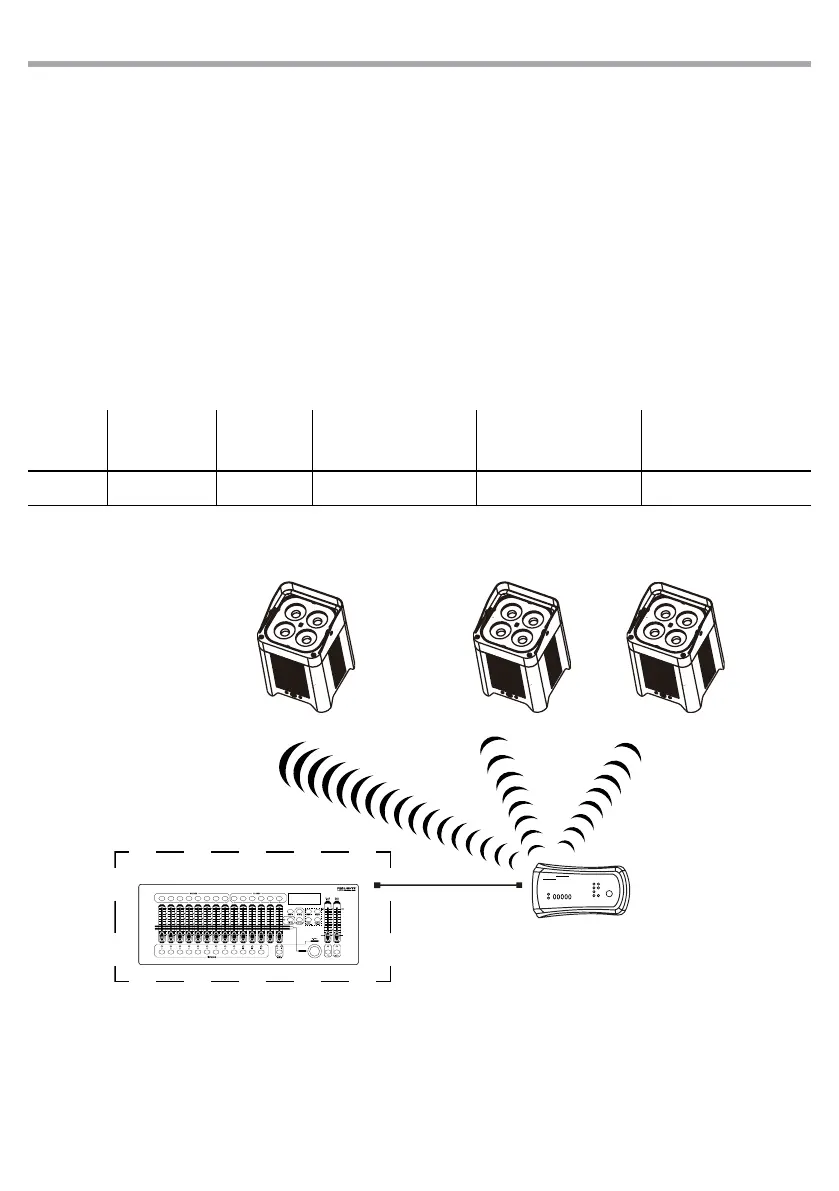
DMX512 Controller
wireless
solution
4 channels DMX configuration example
DMX
Channels
number
Start address
(example)
Busy DMX
address
Next possible start address
for unit n°1
Next possible start address
for unit n°2
Next possible start address
for unit n°3
4 33 33-36 37 41 45
Fig.7
3.13 KEY LOCK
Enter the Key Lock mode to select whether the access password is on or o.
• Press the button MODE so many times until show Key Lock and press the button ENTER to conrm.
• Use UP/DOWN button to select: ON or OFF.
• Press ENTER button to conrm the selection.
When the xture is set as pass ON, after 30 seconds or turn on the xture next time, the xture will need
an access password to enter the display menu control.
NOTE - The factory access password is UP + DOWN + UP + DOWN (press ENTER to conrm the access)



 To Next Page