8
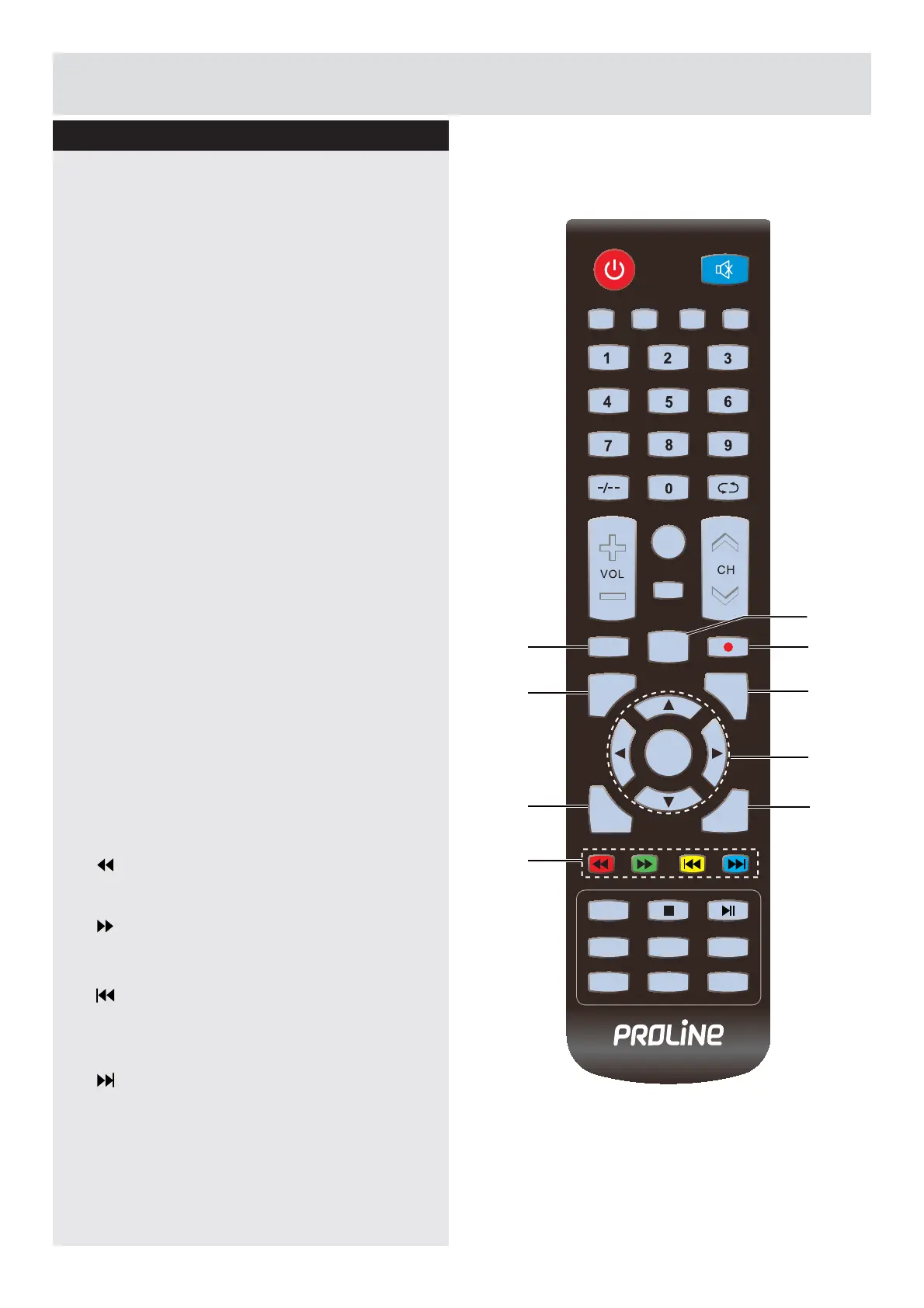
14. EPG
Display the EPG (Electronic Program Guide).
(DTV mode)
15. AUDIO
Press to switch the audio mode.
16. Ɣ
Record the current programme. (DTV mode)
17. MENU
Display the OSD (On Screen Display) menu.
18. EXIT
Exit the OSD (On Screen Display) menu.
19. ŻźŸŹ
Allows you to navigate the OSD menus and
adjust the system settings to your preference.
ENTER
&RQ¿UPWKHVHOHFWLRQLQWKH26'PHQXV
'LVSOD\DOLVWRIFKDQQHOVVDYHGLQWKH79
tuner memory.
20. SOURCE
Select among the different input signal
VRXUFHV'79$79$96&$57<3E3U
HDMI / PC / MEDIA.
21. DISPLAY
Displays/removes the program Information.
22.
To reverse playback rapidly. (USB mode)
To advance playback rapidly. (USB mode)
To skip to the beginning of the previous
chapter / track / photo. (USB mode)
To skip to the beginning of the next chapter /
track / photo. (USB mode)
Viewing remote control
MUTE
PMODE SMODE FAV SLEEP
CH.LIST
ASPECT
EPG AUDIO
MENU
EXIT
DISPLAY
SOURCE
TEXT
INDEX
HOLD
SIZE
SUBPAGE
REVEAL
SUBTITLE
ENTER
15
14
18
17
20
19
21
16
22
Getting Started
Downloaded from www.vandenborre.be



 To Next Page