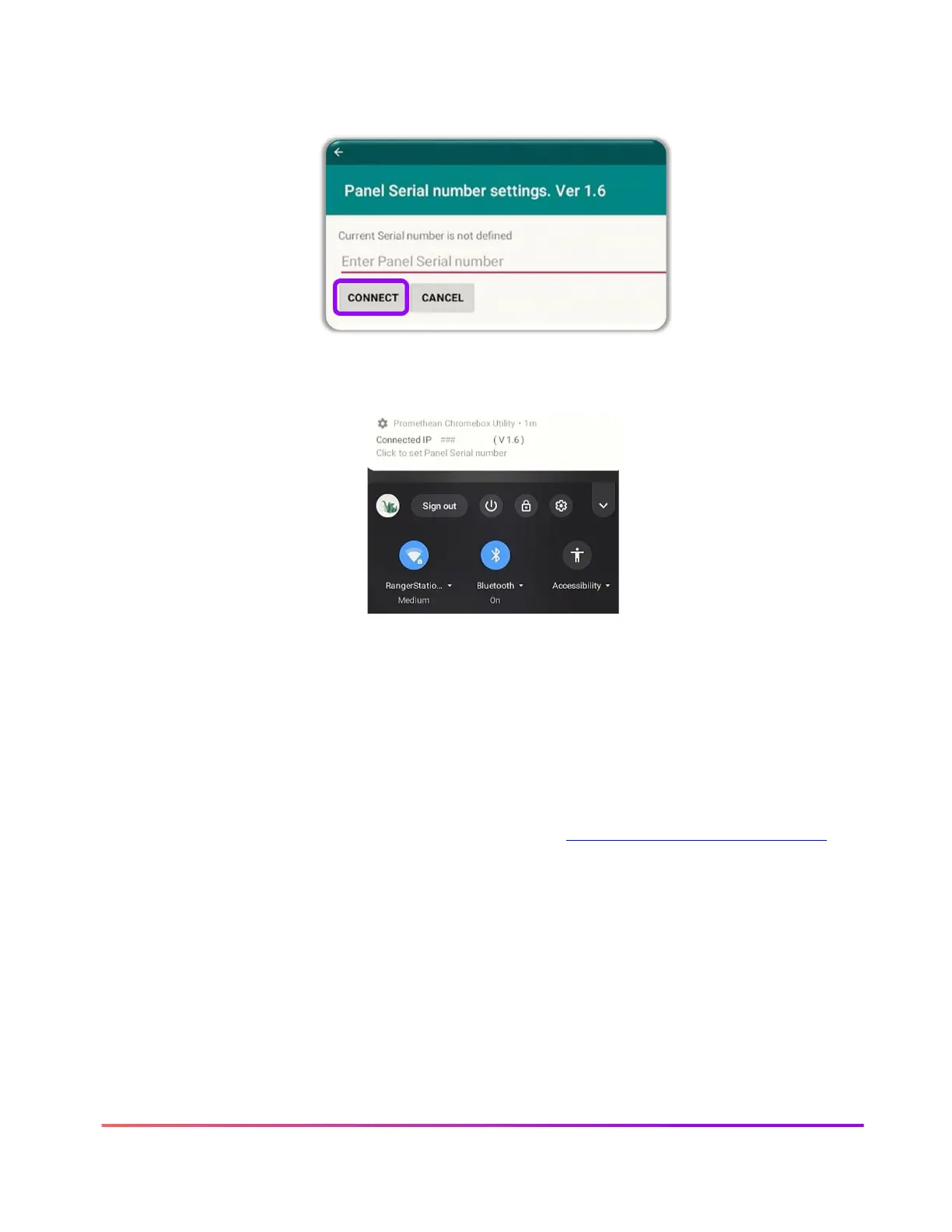
Next, tap the “Click to Set Panel Serial number” notification. You will be presented with a dialog
box. Enter the ActivPanel’s serial number and tap OK. The serial number is not case sensitive.
You should now see a message that the Promethean Chromebox Utility has connected to an IP
address, signifying that the Chromebox and the ActivPanel are now connected.
You can check the status of the connection to your panel at any time by tapping on the
notification area at the bottom right of the Chromebox desktop and the Promethean Chromebox
Utility app will show it is connected.
From now on, all apps from your Promethean Chromebox will appear within your Locker for easy
access.
For more information or to receive assistance, please visit support.prometheanworld.com.













 To Next Page