Basicoperation- Selectinginputsource
3. For example:
IN ANALOG SIGNAL:
To select channel (e.g. Channel 22): Press 2 -> 2 ->ENTER, It will jump to 22-0 directly.
IN DIGITAL SIGNAL:
To select digit channel (e.g. Channel 22-1 ): Press 2 -> 2 -> - > 1 ->ENTER, the program will appear immediately.
NOTE: Sub channel number of analog channel is always zero. But when you in the digital signal, if you enter
physical channel number and not end with "ENTER", channel selection will be made if there is no
operation within a few seconds.
1. Press VOL+/- to adjust the volume.
2. If you want to switch the sound OFF, press the MUTE.
3. You can cancel the mute function by pressing MUTE or VOL+/-.
4. When OSD menu is not used, the arrow keys .t. / _ can also work as VOL - / VOL + buttons.
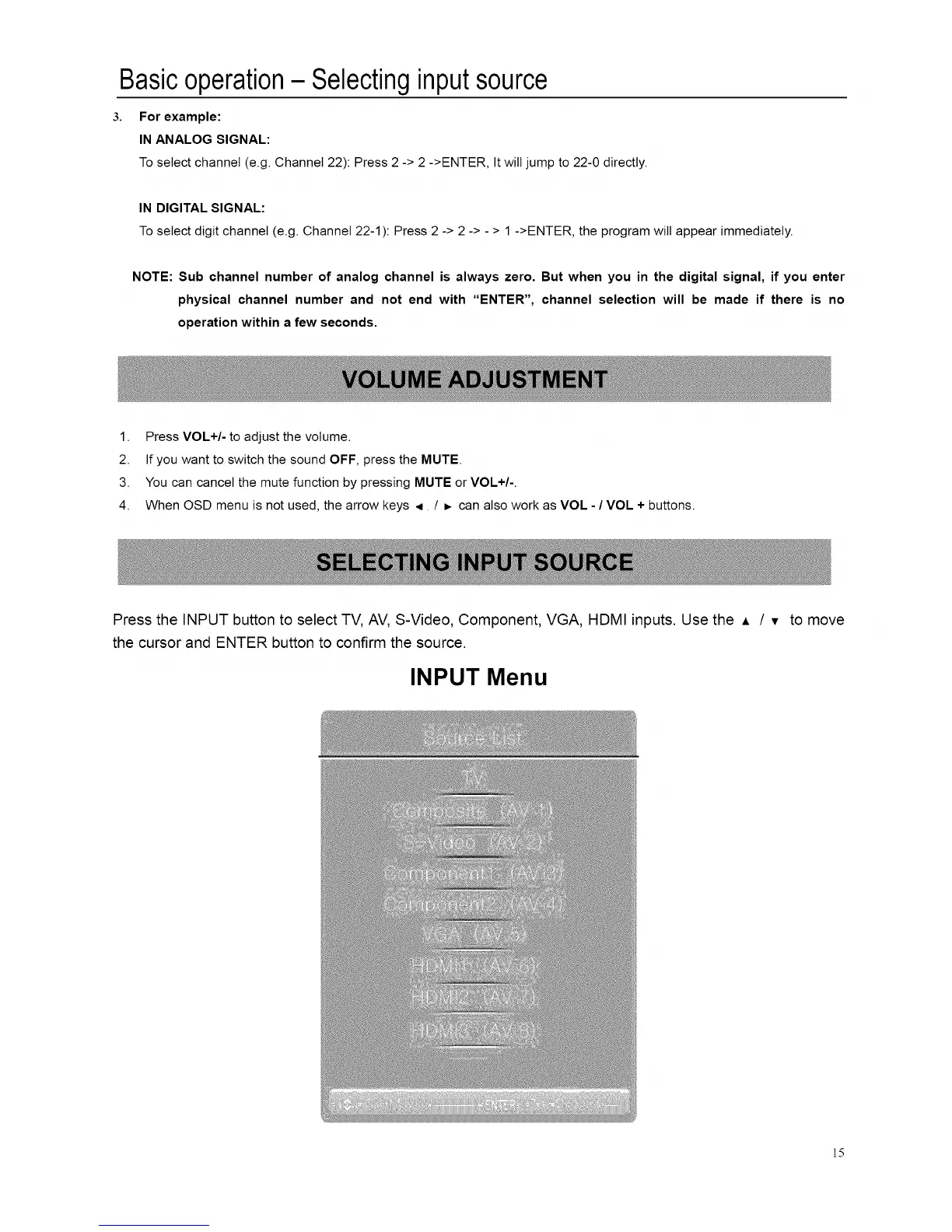
Press the INPUT button to select TV, AV, S-Video, Component, VGA, HDMI inputs. Use the A / v to move
the cursor and ENTER button to confirm the source.
INPUT Menu
]5














 To Next Page