Setupmenuoperation- Settingsmenuoptions
Favorite Channels
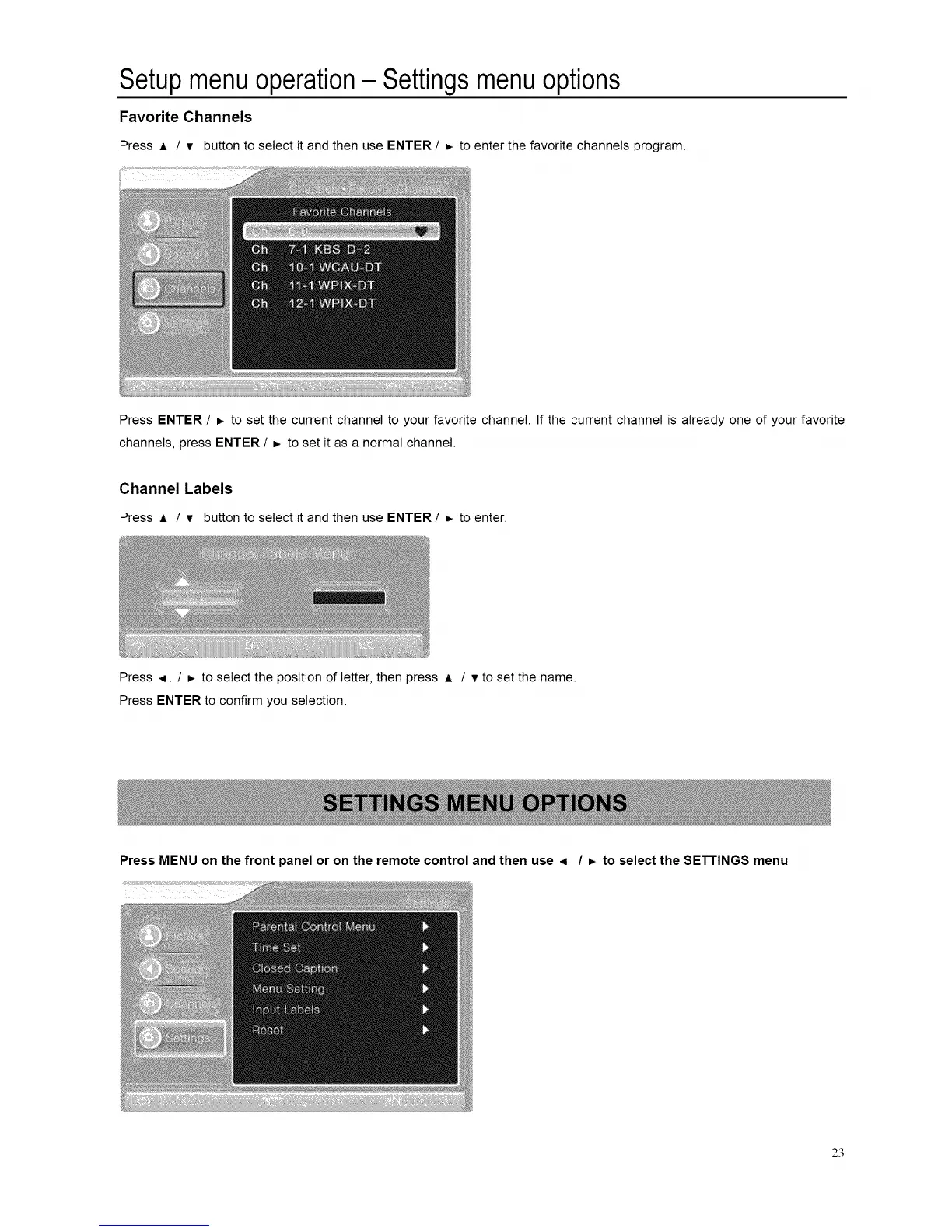
Press A / v button to select it and then use ENTER / =. to enter the favorite channels program.
Press ENTER / _. to set the current channel to your favorite channel. If the current channel is already one of your favorite
channels, press ENTER / _ to set it as a normal channel.
Channel Labels
Press ,= / v button to select it and then use ENTER / _- to enter.
Press .q / _. to select the position of letter, then press A / v to set the name.
Press ENTER to confirm you selection.
Press MENU on the front panel or on the remote control and then use < / =, to select the SETTINGS menu
@
23














 To Next Page