Setupmenuoperation- Settingsmenuoptions
Manual Add Channel
Press A / • button to select it and then use ENTER / =. to enter.
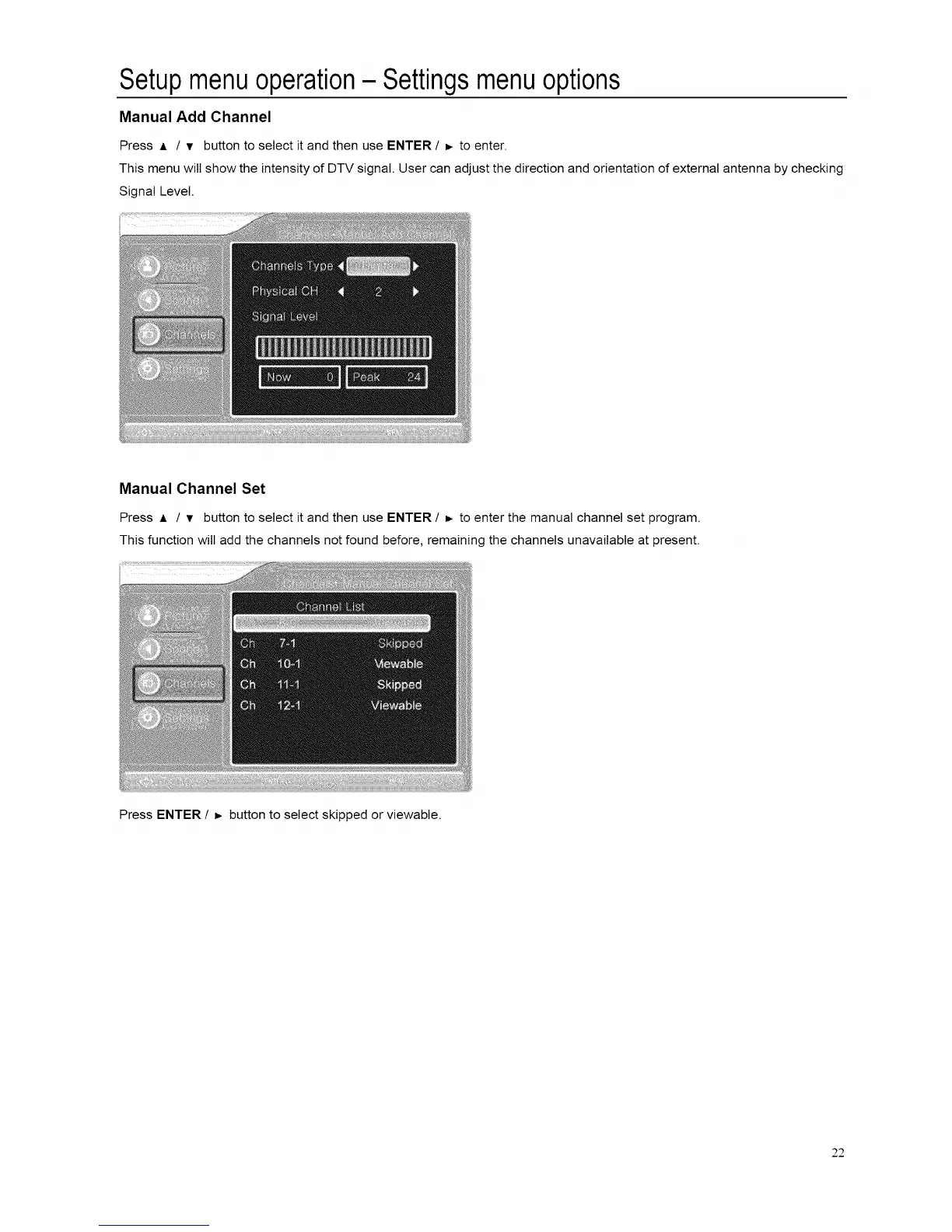
This menu wilt show the intensity of DTV signal. User can adjust the direction and orientation of external antenna by checking
Signal Level.
Manual Channel Set
Press A / • button to select it and then use ENTER / _. to enter the manual channel set program.
This function will add the channels not found before, remaining the channels unavailable at present.
Press ENTER / _ button to select skipped or viewable.
22














 To Next Page