Setupmenuoperation- Settingsmenuoptions
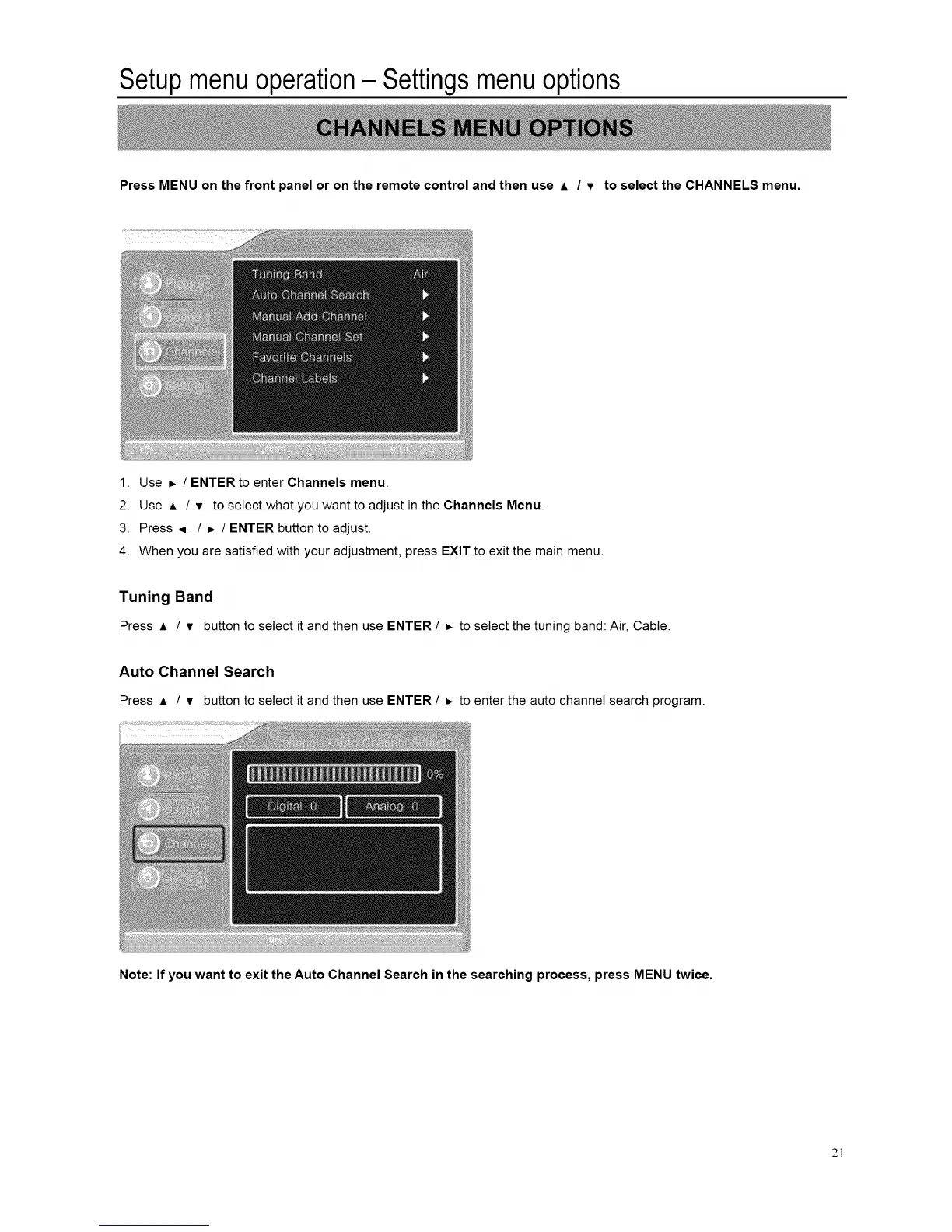
Press MENU on the front panel or on the remote control and then use A / v to select the CHANNELS menu.
1. Use _. / ENTER to enter Channels menu.
2. Use A / v to select what you want to adjust in the Channels Menu.
3. Press .,i / _ / ENTER button to adjust.
4. When you are satisfied with your adjustment, press EXIT to exit the main menu.
Tuning Band
Press A / v button to select it and then use ENTER / =, to select the tuning band: Air, Cable.
Auto Channel Search
Press ,= / v button to select itand then use ENTER / _. to enter the auto channel search program.
Note: If you want to exit the Auto Channel Search in the searching process, press MENU twice.
2]














 To Next Page