Setupmenuoperation- Soundmenuoptions
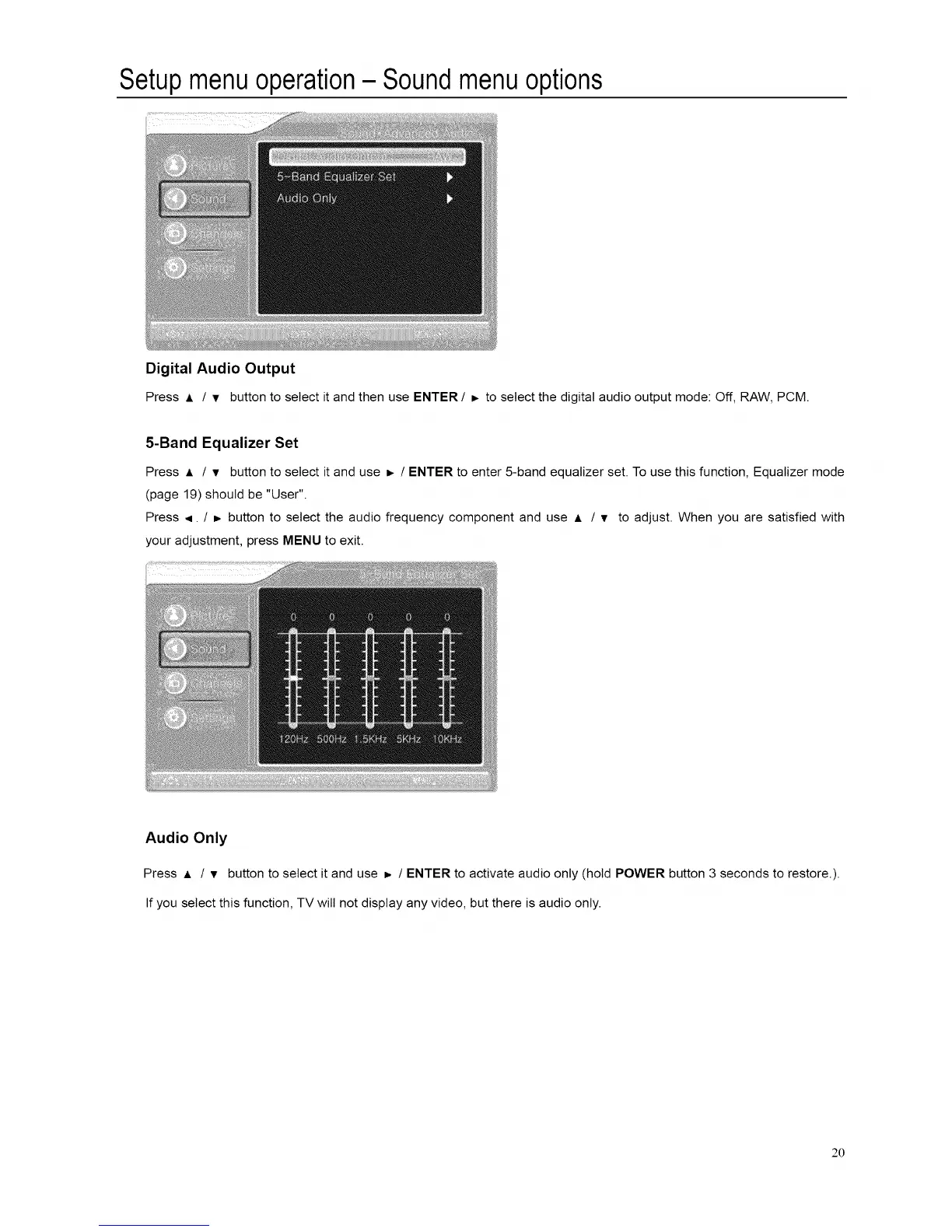
Digital Audio Output
Press A / v button to select it and then use ENTER / b to select the digital audio output mode: Off, RAW, PCM.
5-Band Equalizer Set
Press A / T button to select it and use _- / ENTER to enter 5-band equalizer set. To use this function, Equalizer mode
(page 19) should be "User".
Press ,q. / b button to select the audio frequency component and use A / v to adjust. When you are satisfied with
your adjustment, press MENU to exit.
Audio Only
Press A / v button to select it and use _, / ENTER to activate audio only (hold POWER button 3 seconds to restore.).
If you select this function, TV will not display any video, but there is audio only.
20














 To Next Page