1. Turn off all refrigeration by pressing ‘STOP’ and
pressing ‘COOLING’.
2. Remove the hopper valve and leave for 15 minutes.
3. After 15 minutes, place in ‘WASH’ mode.
4. Periodically dispense the product, until it reaches
liquid form.
5. Press ‘STOP’ to deactivate ‘WASH’ mode.
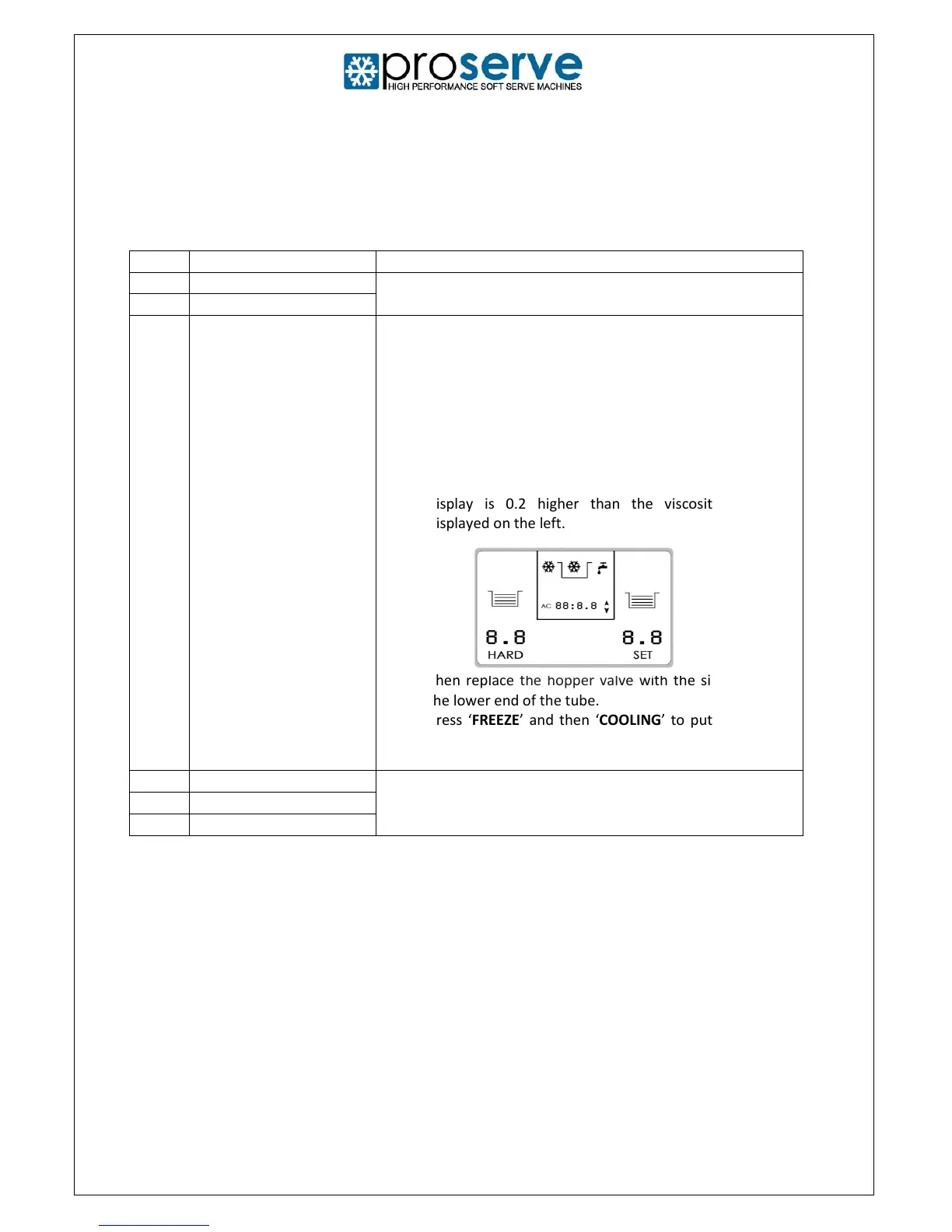
6. Ensure the viscosity (SET) on the right of the LCD
display is 0.2 higher than the viscosity (HARD)
displayed on the left.
7. Then replace the hopper valve with the side hole at
the lower end of the tube.
8. Press ‘FREEZE’ and then ‘COOLING’ to put back into
freeze mode.
Check that the handle is not dislodged. If the problem cannot
be resolved, please contact an authorised ProServe engineer
on 01395 239500.



 To Next Page