P. 14 User Guide CT-3400 TW
Remote Trunk Release Option
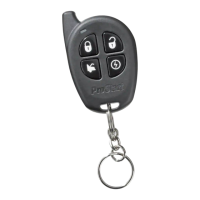
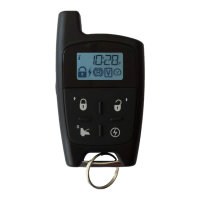
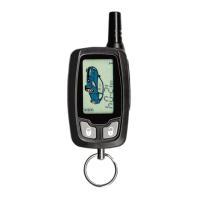
If your system was installed with the remote trunk release, you can open your trunk by pressing the
TRUNK button for 3 sec. on the remote transmitter. Note that the trunk release option will only
operate when ignition is
OFF or if the vehicle is running under remote control.
Engine Run Time
If you have a gas engine, your unit can be programmed to run the engine for 3, 15, or 25 minutes
(15 minutes by default). If you have a diesel engine, the module can be programmed to run the
engine for 8, 20, or 30 minutes (20 minutes by default).
Multi-car Operation
This option allows the owner of two vehicles both equipped with identical systems to control both
systems with only one remote transmitter. To control the 2
nd
vehicle, simultaneously press the
TRUNK button and the button of the function you wish to use:
• Press TRUNK + LOCK button simultaneously: ...........LOCK
• Press TRUNK + UNLOCK:............................................UNLOCK
• Press TRUNK + START/STOP:......................................START/STOP
• Press F→F→TRUNK:..................................................TRUNK
Starting the vehicle in Safe Start Mode:
♦ Press TRUNK + START/STOP
♦ Within 3 seconds press TRUNK + START/STOP again.
Stopping the vehicle in Safe Start Mode:
♦ Press TRUNK + START/STOP once.


 To Next Page