N93-571-87 Issue 5 NH Page 17 of 34 © Protec Fire Detection plc 2019
14.0 6100 User Menus
14.1 Entering the 6100 Menu System
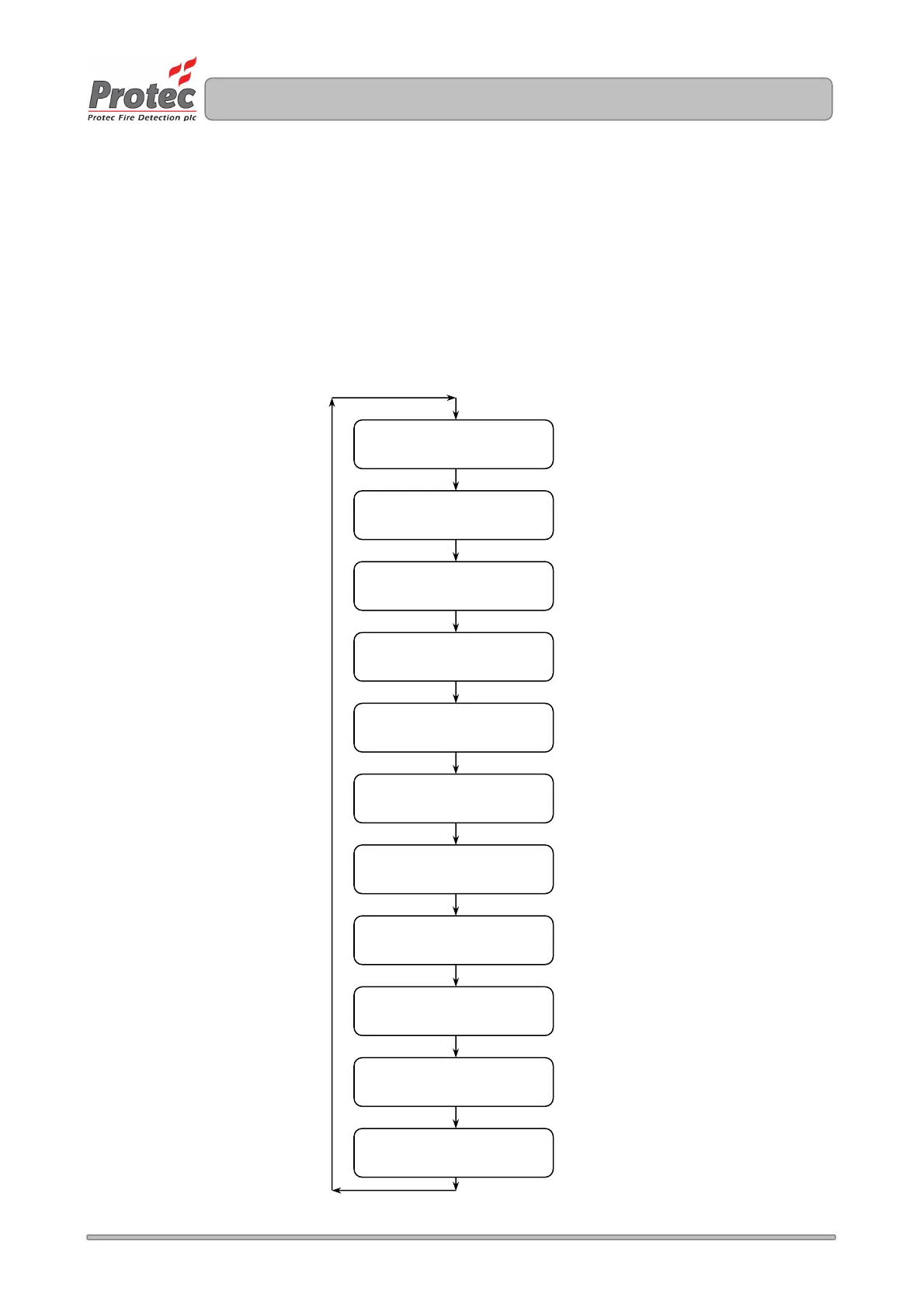
When the user code is entered at access level 1 the ‘user level accessed’ screen will be displayed as shown
in figure 14.0. The Sound Alarms, Silence Alarms, Reset Panel and Mute Buzzer buttons are now enabled.
Pressing the enter key (
¿
) will access the user menus, navigation of the menu options is achieved by using
the ◄ or ► keys. The menu structure is shown in figure 14.0. Pressing
¿
on a particular menu option will
accept the option.
14.2 User Menu Structure
Figure 14.0 User Menu Structure
View Faults
See Section 14.3
View Disablements
See Section 14.3
Set Date and Time
See Section 14.9
Clear System Faults
See Section 14.4
Test Indications
See Section 14.5
Zone Options
See Sections 14.6 / 14.7
Disable Options
See Section 14.8
View Alarm Count
See Section 14.10
Exit Menu
See Section 14.13
View Fire Event Log
See Section 14.11
View General Event Log
See Section 14.12



 To Next Page