N93-571-87 Issue 5 NH Page 19 of 34 © Protec Fire Detection plc 2019
14.4 Clearing System Faults
The CLEAR SYSTEM FAULTS menu allows the user to reset any latching system faults that are on the
system.
1. Enter the user code supplied with the system and press the
¿
key to access the menus.
2. Using the ◄ and ► keys navigate to the CLEAR SYSTEM FAULTS menu and press the
¿
key.
Any current system faults will be cleared and the system fault indicator will extinguish.
Figure 14.5 Clear System Faults display
14.5 Testing the Front Panel Indications
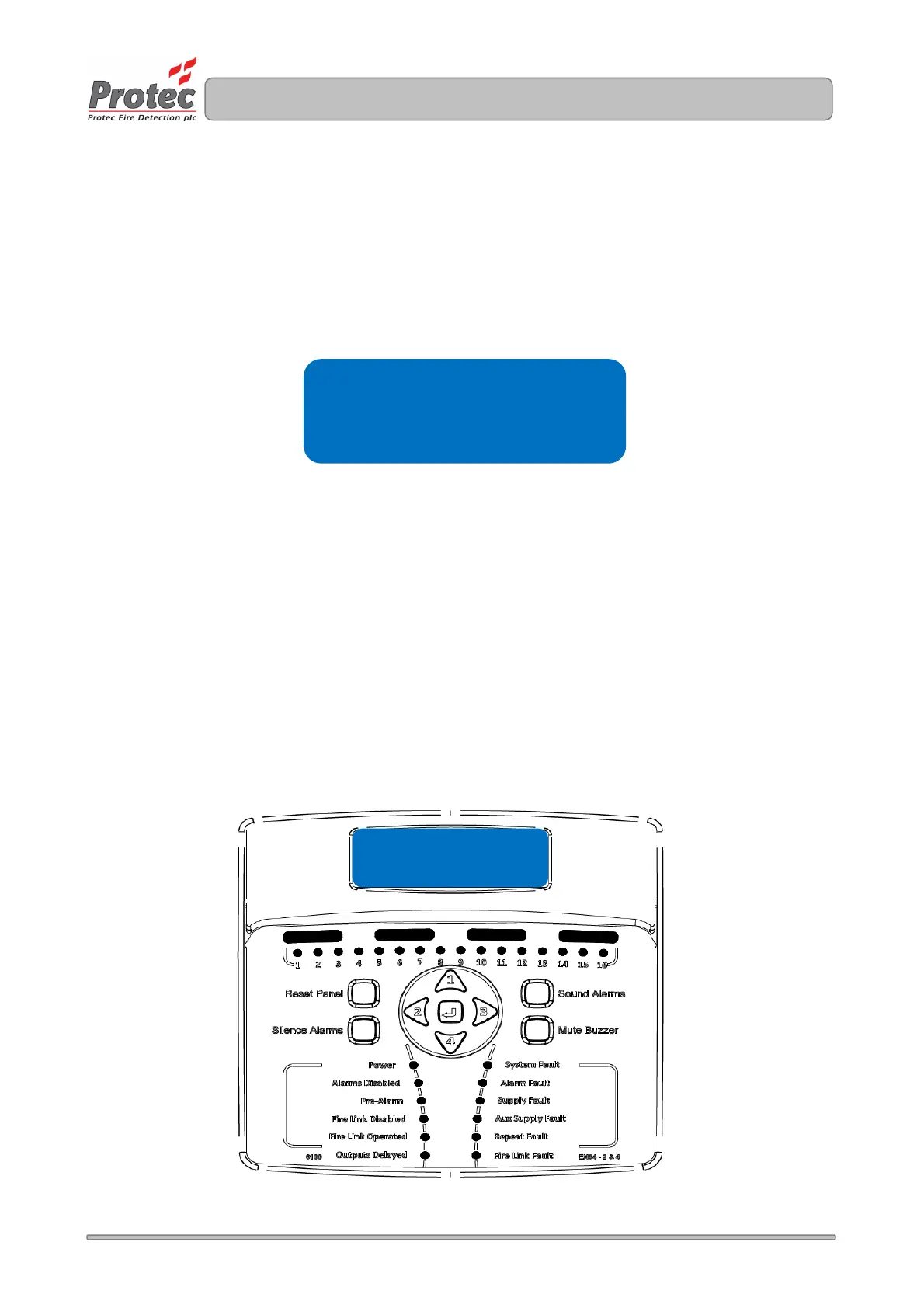
The TEST INDICATIONS menu is used to test the functionality of the front panel indicators, LCD and internal
buzzer.
1. Enter the user code supplied with the system and press the
¿
key to access the menus.
2. Using the ◄ or ► keys navigate to the TEST INDICATIONS menu press the
¿
key to start the test.
All indications will illuminate, the LCD will display its test message ( as shown in figure 14.6 ) and the
internal buzzer will sound. The test will automatically stop after 5 seconds ( do not press any buttons
during this time ).
Figure 14.6 Test Indications Display
***lcd * test *line *1 ***
***lcd * test *line *2 ***
***lcd * test *line *3 ***
***lcd * test *line *4 ***
Main menu
Clear system faults



 To Next Page